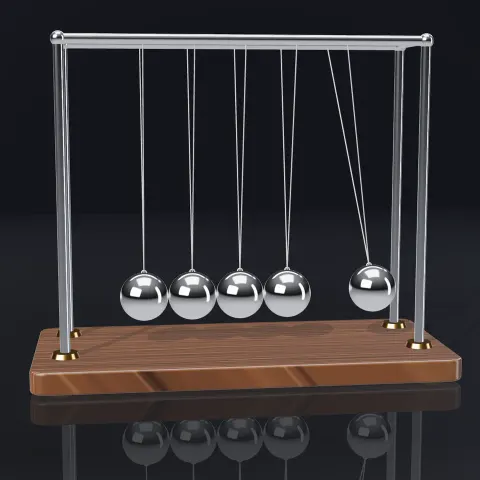
Newton's Cradle
3D object3DSeamless loop9.6 seconds
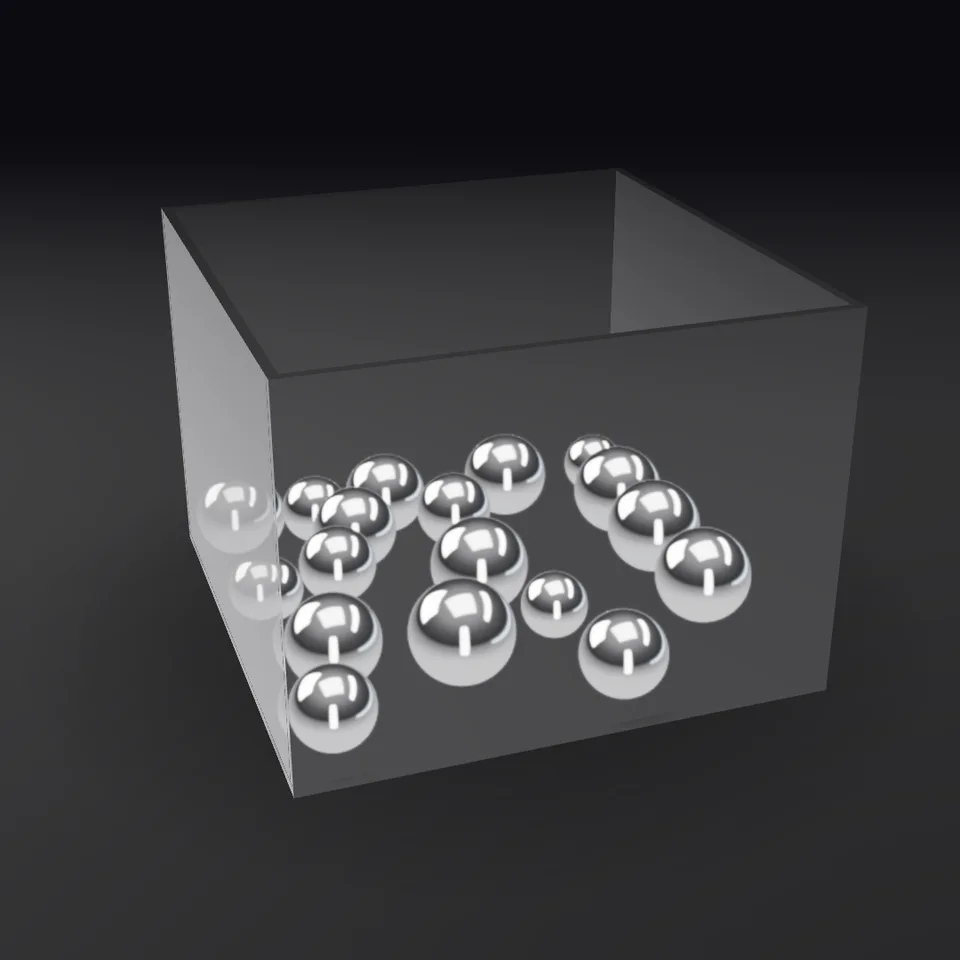
Shiny chrome balls pour into a glass box, bounce, roll and settle while the camera glides around.
In Science & maths, Light, glass & shine, Toys, games & parties
Your current settings go with it. Combine several clips and hand them over together from your sequence.
Presets
0 keeps the camera still; 1 is a full circle with an eased start and stop.
The preview runs the same code your AI receives. These settings travel with the hand-off.
A complete scene built from four ingredients: real bouncing-ball physics, chrome material with studio lighting, a correctly set-up glass box and a smooth orbit camera. Balls drop in from above, collide, spin and come to rest. Switch to candy-coloured balls or a mix, change the number of balls, the bounciness and how far the camera travels. Use it as-is, or take just the parts you need.
demo.jscreateDemo({ canvas, width, height, params, fps, duration }) => { renderFrame(info), dispose() }three@0.185.1 (source) — WebGL rendering.bouncing-balls@1.0.0 (source) — Physics.chrome-material@1.0.0 (source) — Material and environment.glass-container@1.0.0 (source) — Glass box.orbit-camera@1.0.0 (source) — Camera motion.apw-runtime@1.0.0 (source) — Harness and export tools.Coordinates: Y-up. Glass box inner volume 4 × 3 × 4 with floor at y = 0 — identical to the physics box.
Lighting: Studio environment from chrome-material; tone mapped.
Timing: Physics baked for the clip's fps/duration; camera driven by progress.
npm install
npm run render -- bouncing-marbles-box/1.0.0 --out my-video.mp4
Needs Node 18+, ffmpeg and Chrome/Chromium. Add --params my-settings.json (from Copy settings) for your own settings.sha256:39d897b5acb0267a… · other versions: 1.1.03D object3DSeamless loop9.6 seconds
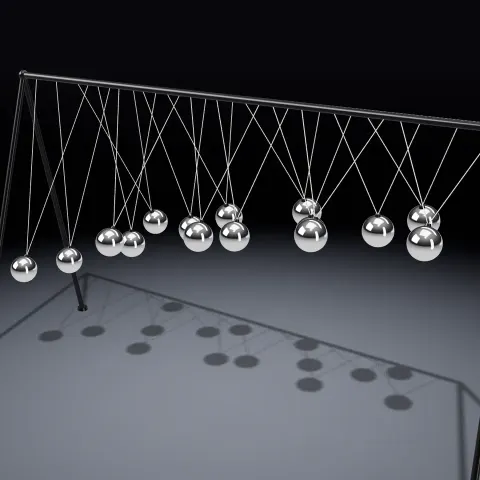
3D object3DSeamless loop12 seconds
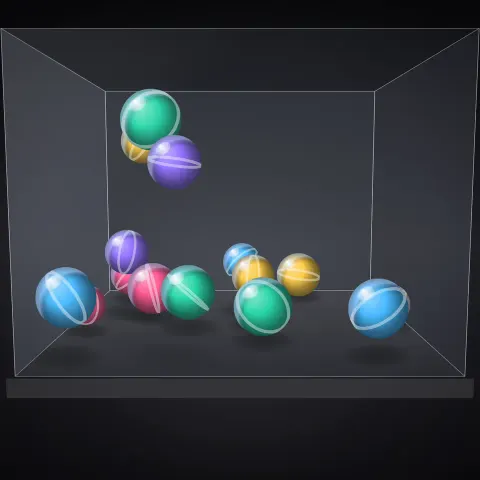
PhysicsAny rendererReal physics8 seconds
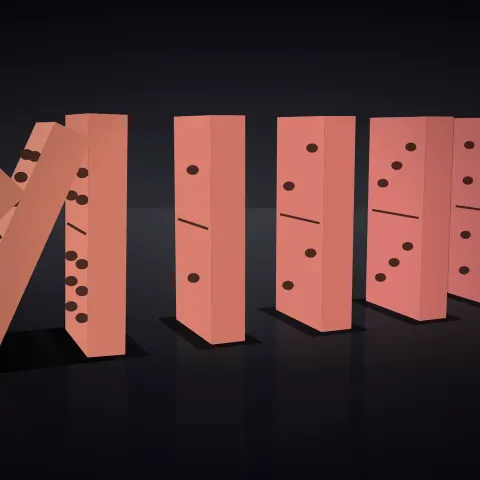
PhysicsAny rendererReal physics8 seconds
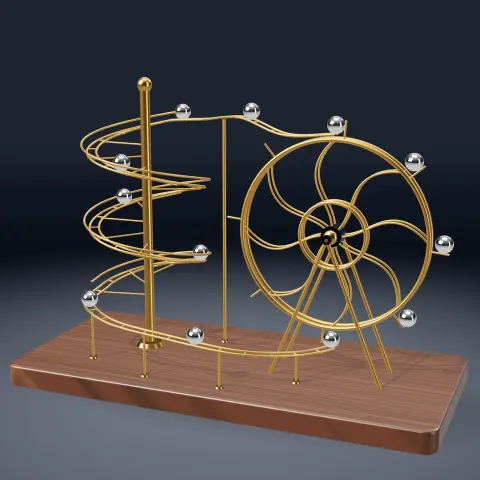
3D object3DSeamless loop12 seconds
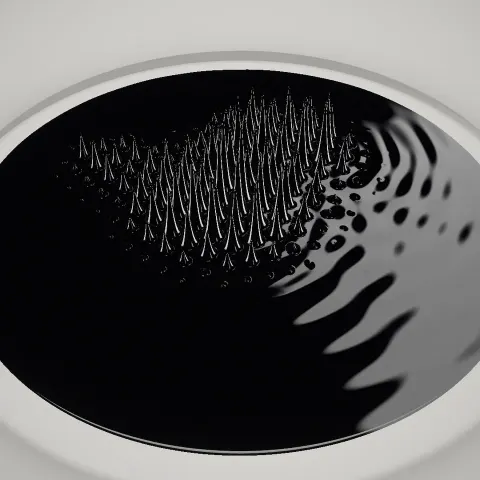
3D object3DSeamless loop16 seconds
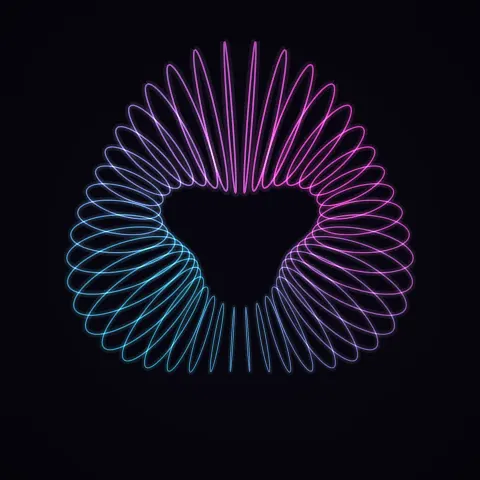
Effect2DSeamless loop8 seconds
3D object3DSeamless loop16 seconds