Dupin Cyclide
3D object3DSeamless loop16 seconds
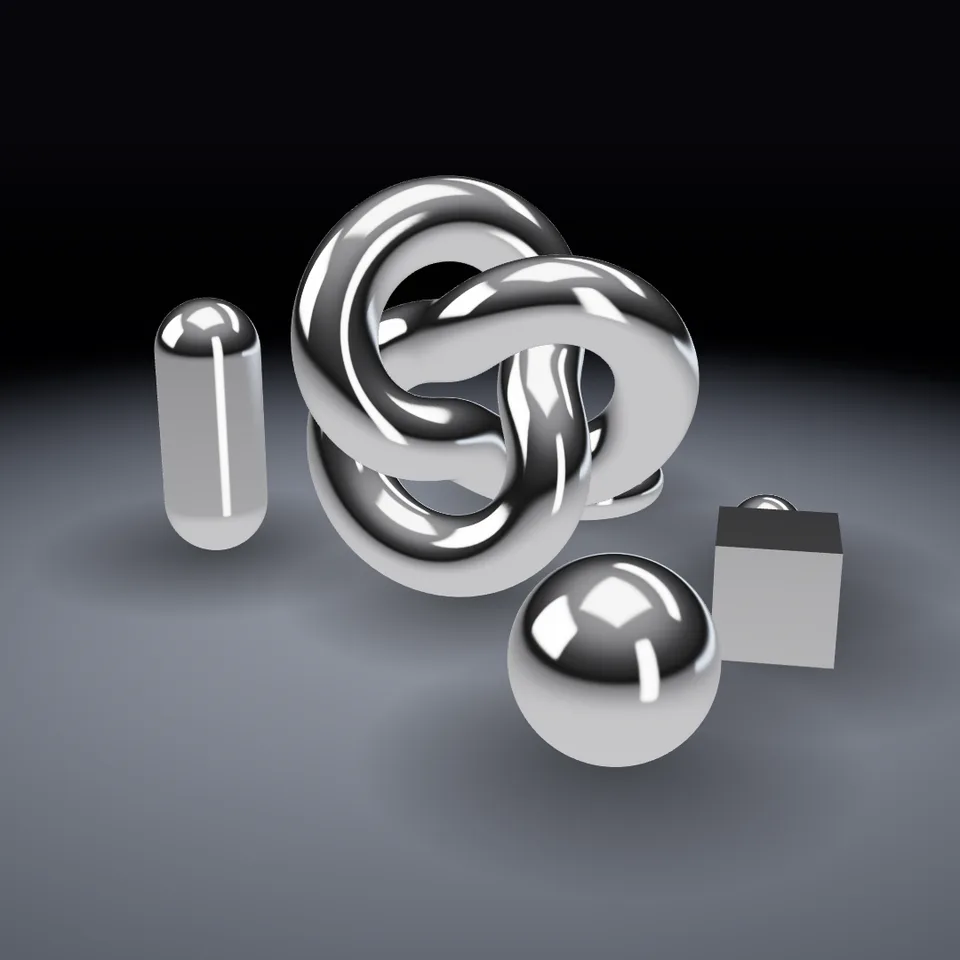
A little sculpture garden of liquid-chrome shapes, with the camera circling it in a perfect loop.
In Light, glass & shine, Liquids
Next: Dupin CyclideSurprise me
Your current settings go with it. Combine several clips and hand them over together from your sequence.
Presets
Lower is a sharper mirror.
The preview runs the same code your AI receives. These settings travel with the hand-off.
Chrome shapes arranged on a dark stage — a knot (or a morphing chrome blob) surrounded by spheres, a capsule, a ring and a cube — while the camera glides all the way around and back to the start. Change the metal colour for gold, the shine, the light warmth and the camera path. It is built from the Chrome Material, Orbit Camera and (optionally) Iridescent Blob ingredients.
demo.jscreateDemo({ canvas, width, height, params, fps, duration }) => { renderFrame(info), dispose() }three@0.185.1 (source) — WebGL rendering.chrome-material@1.1.0 (source) — Material and environment.orbit-camera@1.0.0 (source) — Camera motion.iridescent-blob@1.0.0 (source) — Optional centrepiece geometry.apw-runtime@1.0.0 (source) — Harness and export tools.Coordinates: Y-up, stage centred on the origin.
Lighting: Studio environment from chrome-material.
Timing: Pure function of progress — seamless loop.
npm install
npm run render -- chrome-orbit/1.1.0 --out my-video.mp4
Needs Node 18+, ffmpeg and Chrome/Chromium. Add --params my-settings.json (from Copy settings) for your own settings.3D object3DSeamless loop16 seconds
3D object3DSeamless loop16 seconds
Material3DSeamless loop8 seconds
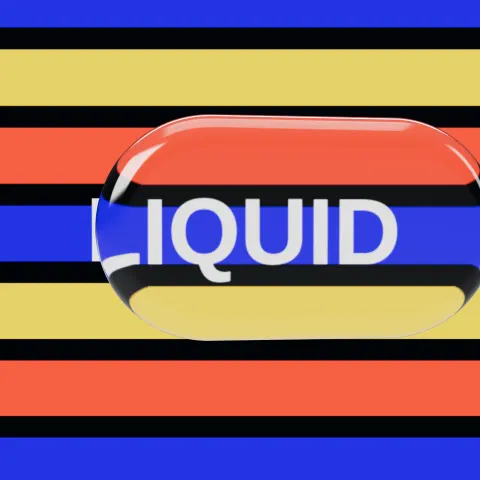
Material3DSeamless loop8 seconds
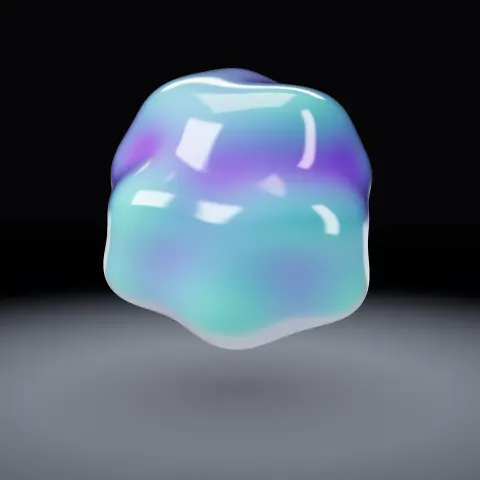
3D object3DSeamless loop8 seconds
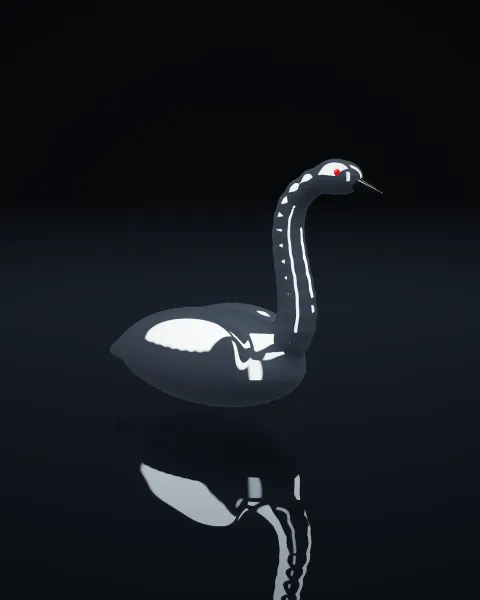
Background3DSeamless loopPortrait8 seconds
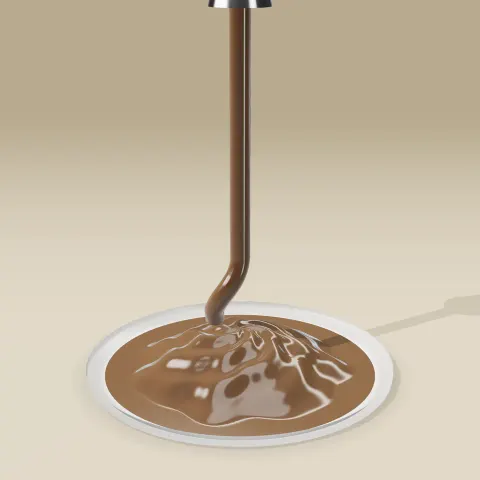
3D object3DSeamless loop12 seconds
3D object3DSeamless loop14 seconds