
Torus Wave Loop
Effect2DSeamless loop8 seconds
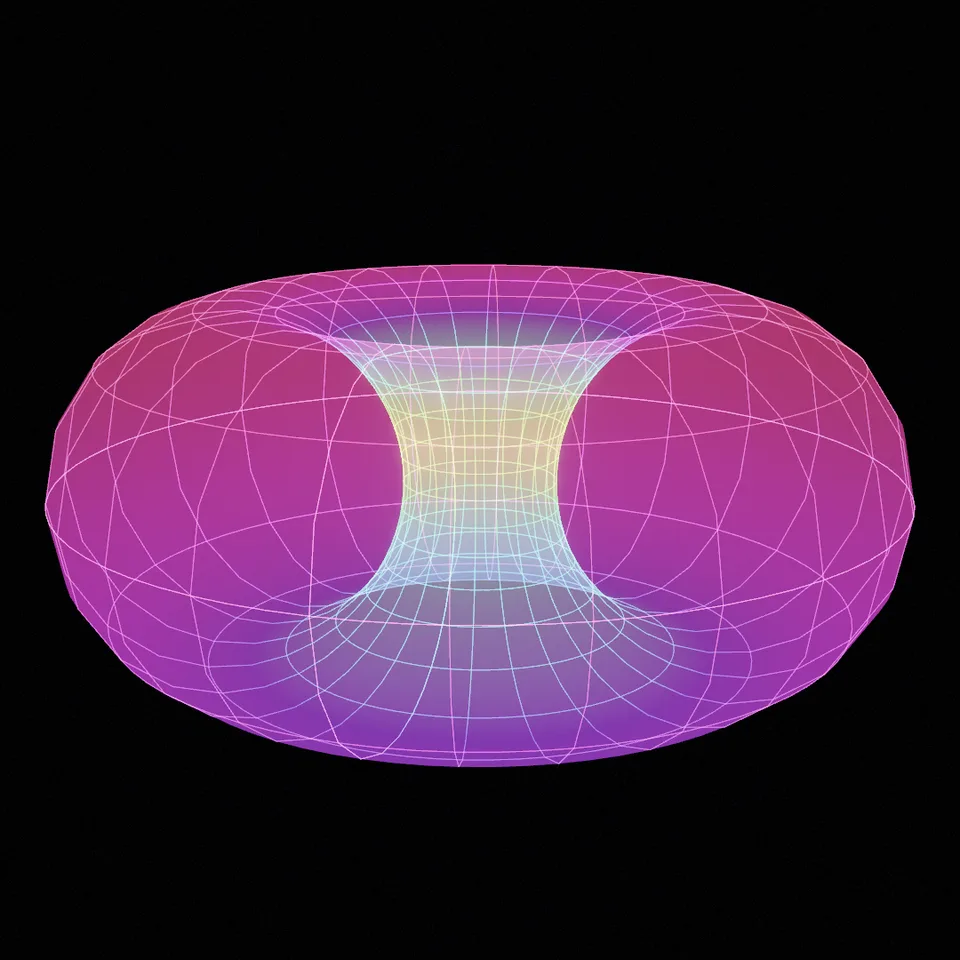
A four-dimensional torus turned and projected into our space: a glowing net of lines that swells, pinches and turns inside out. Loops perfectly.
In Science & maths, Light, glass & shine, Patterns & illusions
Your current settings go with it. Combine several clips and hand them over together from your sequence.
Presets
0 turns it in one plane, 1 also in a second plane at twice the speed.
The preview runs the same code your AI receives. These settings travel with the hand-off.
The Clifford torus lives in four dimensions, so it is shown the way mathematicians show it: turned in four-dimensional space and projected down into ours by stereographic projection. The net of its circles swells into a huge ring, pinches to a point and turns itself inside out, glowing in colours that follow the hidden fourth coordinate. Choose the colours (spectrum, fire, ocean or mono), the number of rings and lines, how solid the skin between them looks, whether it also turns in a second plane, and whether the camera sways.
src/clifford-torus.js is the ingredient your AI reuses. demo.js is only the example scene around it, and uses the demo harness only for the demo.
src/clifford-torus.jscreateCliffordTorus({ palette?, rings?, lines?, skin?, plane? }) => { group, setProgress(progress), dispose() }createBloomPass(renderer, { width, height, glow?, exposure?, grain? }) => { render(scene, camera, output?), dispose() }PALETTES: { spectrum, fire, ocean, mono }three@0.185.1 (source) — Renderer, geometry and shader materials.apw-runtime@1.0.0 (demo) — Demo harness.Coordinates: The torus x = cos a, y = sin a, z = cos b, w = sin b (all over √2) is turned in 4D, then projected by (x, y, z) / (1.02 − w) and scaled by 1.6; the camera sits 15 away.
Lighting: Self-lit lines and an additive skin; the bloom gives the glow.
Timing: setProgress(progress) rewrites every vertex; frames render in any order.
npm install
npm run render -- clifford-torus/1.0.0 --out my-video.mp4
Needs Node 18+, ffmpeg and Chrome/Chromium. Add --params my-settings.json (from Copy settings) for your own settings.sha256:c777122343fe7019…Effect2DSeamless loop8 seconds
Background3DSeamless loop14 seconds

Background3DSeamless loop10 seconds
Background3DSeamless loop12 seconds
Background3DSeamless loop12 seconds
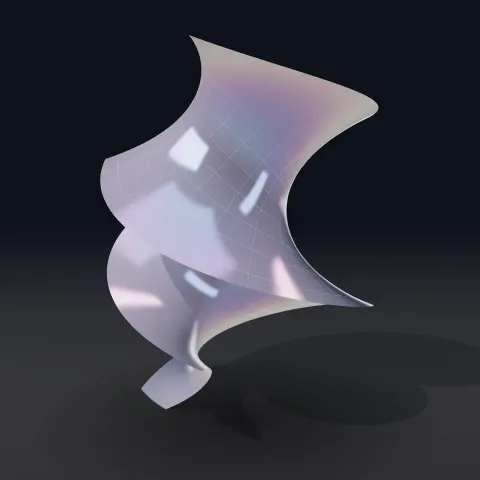
3D object3DSeamless loop16 seconds
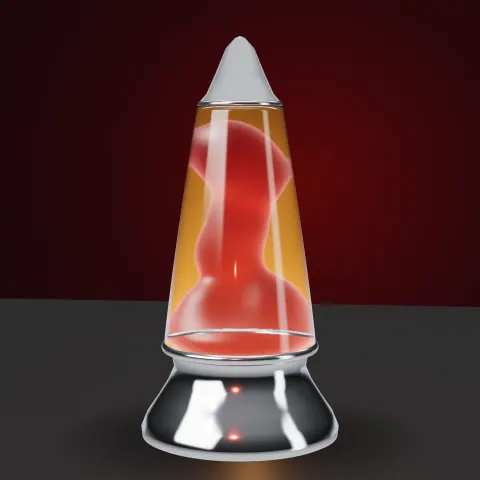
3D object3DSeamless loop15 seconds
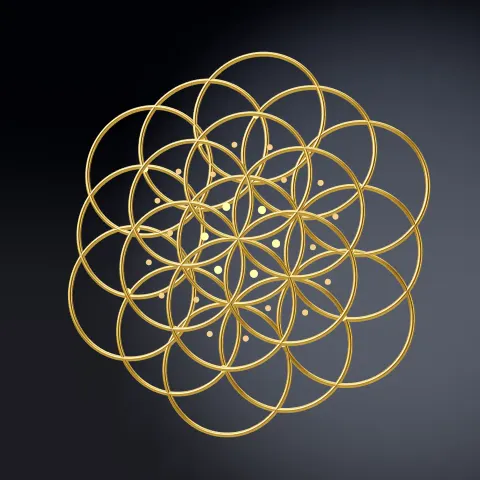
3D object3DSeamless loop16 seconds