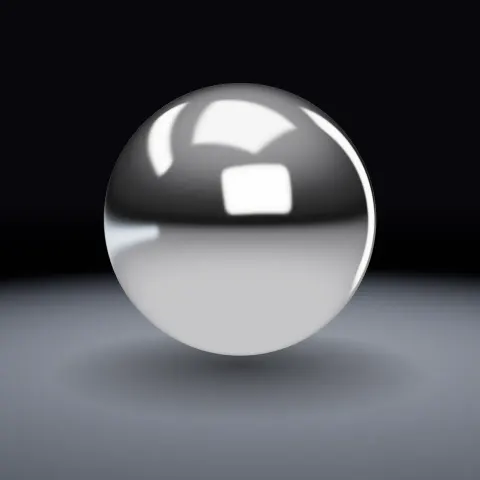
Chrome Material & Studio Light
Material3DSeamless loop8 seconds
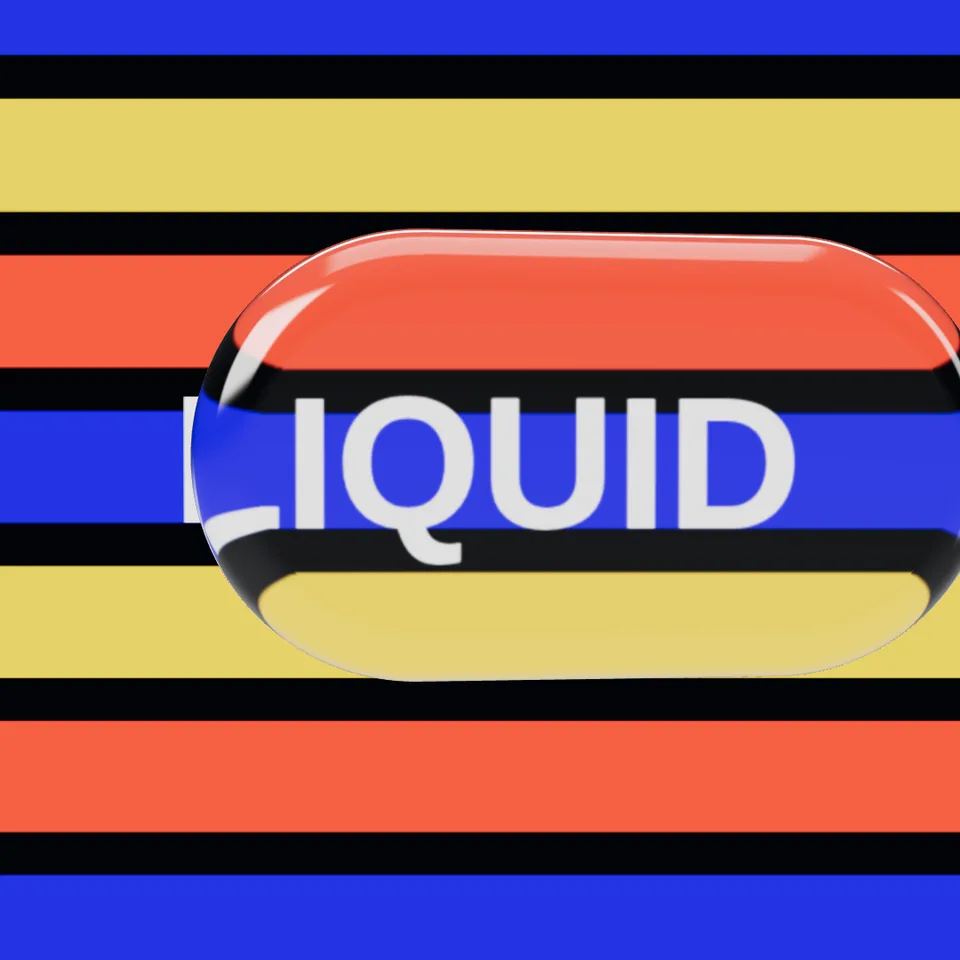
A thick slab of clear glass glides over your backdrop, bending what is behind it with a faint rainbow fringe, and morphs from pill to circle to rounded square. The look from every 2026 interface.
Your current settings go with it. Combine several clips and hand them over together from your sequence.
Presets
Thicker glass bends the backdrop more.
1.5 is window glass, 1.33 water, 2.4 diamond.
The rainbow split at the edges. 0 is none.
The preview runs the same code your AI receives. These settings travel with the hand-off.
The liquid glass look that spread from Apple’s interfaces into motion design and the web: a rounded, bevelled slab of clear glass that refracts whatever sits behind it, splits light into a subtle colour fringe at its edges (dispersion), catches a bright specular rim from the studio lights and morphs between shapes as it moves. Put it over colour bands, a word, a logo or a photo plane; set the glass thickness, how much it bends light, the frosting and the colour fringe; choose whether it morphs and how far it glides.
src/liquid-glass.js is the ingredient your AI reuses. demo.js is only the example scene around it, and uses chrome-material only for the demo.
src/liquid-glass.jscreateLiquidGlassMaterial({ tint?, ior?, thickness?, roughness?, dispersion?, clearcoat?, envMapIntensity? }) => THREE.MeshPhysicalMaterialcreateSlabGeometry({ width?, height?, depth?, radius?, bevel?, segments?, smooth? }) => THREE.BufferGeometrycreateLiquidGlass({ shapes?, depth?, bevel?, material?, hover?, drift?, tiltAmount?, cycles? }) => { mesh, update(progress), setPhase(phase), shapeAt(phase), setShape(w, h, r), dispose() }smoothNormals(geometry, creaseDegrees?) => BufferGeometrythree@0.185.1 (source) — WebGL rendering (MeshPhysicalMaterial transmission and dispersion).chrome-material@1.1.0 (demo) — Demo uses the studio environment, cove and floor. Any environment map works with the glass.apw-runtime@1.0.0 (demo) — Demo harness.Coordinates: Y-up, centred on the origin, facing +Z. Default slab about 2.6 × 1.15 × 0.5 units; put the backdrop at z ≈ −1.5.
Lighting: Needs scene.environment for highlights. The studio from Chrome Material works well.
Timing: Pure function of progress. Whole cycles loop exactly.
npm install
npm run render -- liquid-glass/1.1.0 --out my-video.mp4
Needs Node 18+, ffmpeg and Chrome/Chromium. Add --params my-settings.json (from Copy settings) for your own settings.sha256:82a19cdfd9b869ae… · other versions: 1.0.0Material3DSeamless loop8 seconds
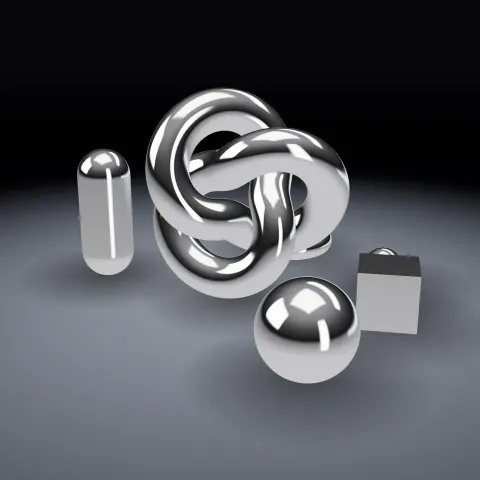
Full example3DSeamless loop8 seconds
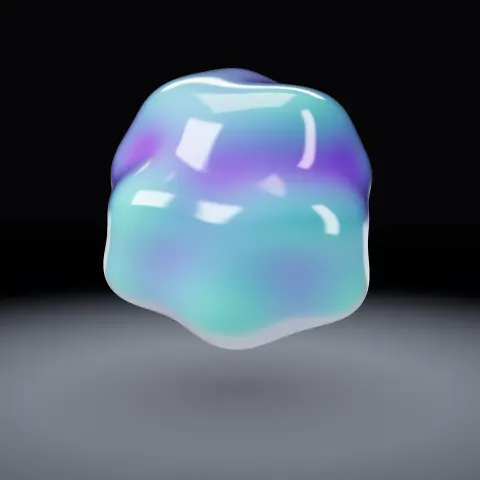
3D object3DSeamless loop8 seconds
Background2DSeamless loop8 seconds
3D object3DSeamless loop14 seconds
3D object3DSeamless loop12 seconds
3D object3DSeamless loop16 seconds
3D object3DSeamless loop16 seconds