Voronoi Cells
Background3DSeamless loop10 seconds
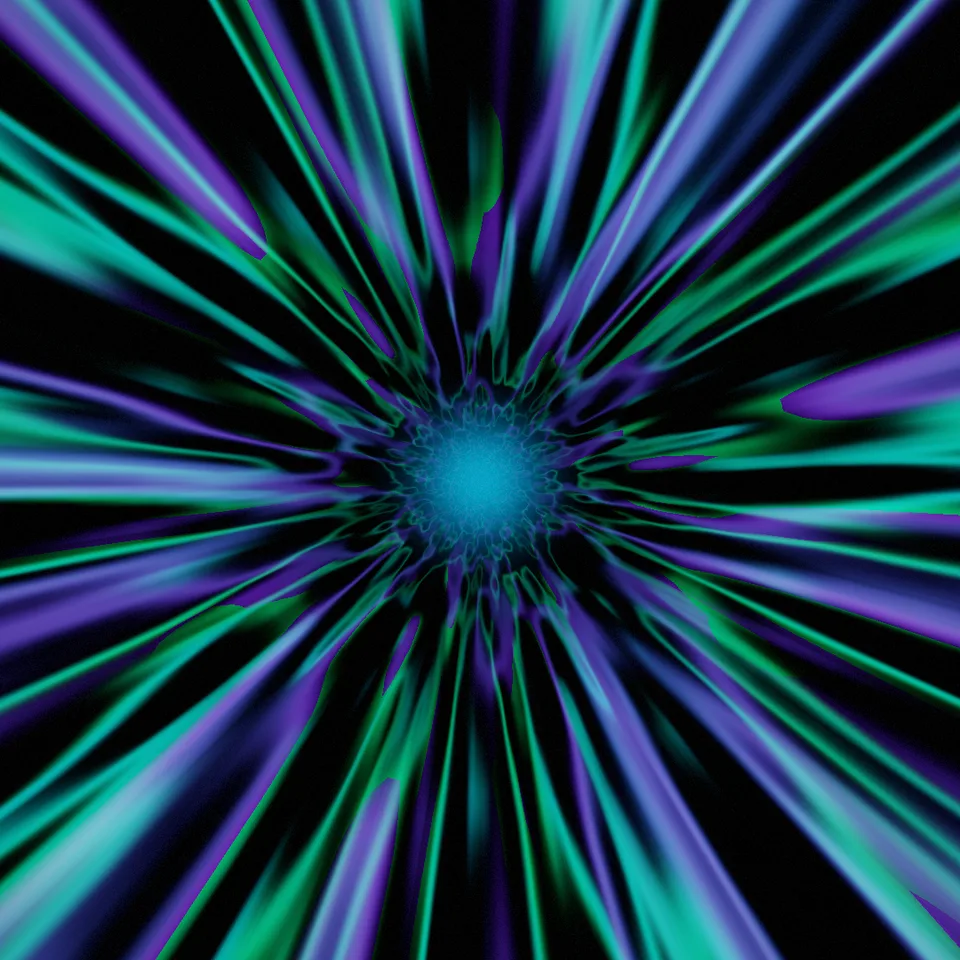
Flying down a corridor of shimmering aurora curtains that stream past towards you. Loops perfectly.
In Light, glass & shine, Nature & weather, Patterns & illusions
Next: Voronoi CellsSurprise me
Your current settings go with it. Combine several clips and hand them over together from your sequence.
Presets
Whole periods of the pattern that stream past in one loop.
The preview runs the same code your AI receives. These settings travel with the hand-off.
A tunnel lined with aurora: ribbons of green, teal, violet and magenta light hang from the walls of a cylindrical corridor, ripple and fold as they stream past, thin bright ridges where a curtain folds edge-on, with a soft glow and stars at the far end. Choose the colours (borealis, ember, glacier or toxic), the speed of the flight, the brightness, the stars and the seed.
src/aurora-tunnel.js is the ingredient your AI reuses. demo.js is only the example scene around it, and uses the demo harness only for the demo.
src/aurora-tunnel.jscreateAuroraTunnel({ palette?, speed?, brightness?, stars?, seed? }) => { scene, camera, setSize(width, height), update(time, loopSeconds), dispose() }createBloomPass(renderer, { width, height, glow?, exposure?, grain? }) => { render(scene, camera, output?), dispose() }PALETTES: { borealis, ember, glacier, toxic }three@0.185.1 (source) — Renderer, geometry and shader materials.apw-runtime@1.0.0 (demo) — Demo harness.Coordinates: The tunnel's axis points into the screen at the centre; distance down it is 0.45 / radius.
Lighting: Self-lit: the curtains' colours add up; the bloom gives the glow.
Timing: update(time, loopSeconds) sets the loop phase; frames render in any order.
npm install
npm run render -- aurora-tunnel/1.0.0 --out my-video.mp4
Needs Node 18+, ffmpeg and Chrome/Chromium. Add --params my-settings.json (from Copy settings) for your own settings.sha256:2574ea86b73db655…Background3DSeamless loop10 seconds

Background3DSeamless loop12 seconds
Background3DSeamless loop12 seconds
Background3DSeamless loop12 seconds
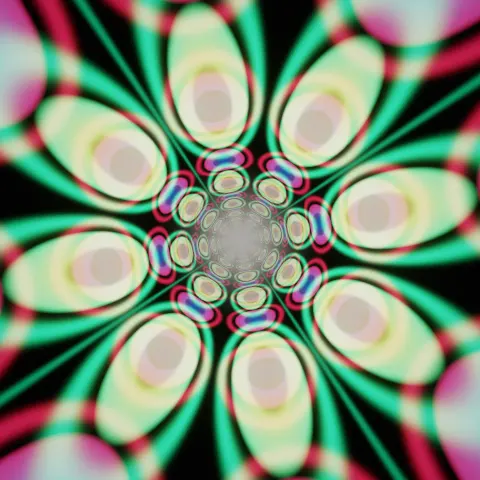
Background3DSeamless loop12 seconds
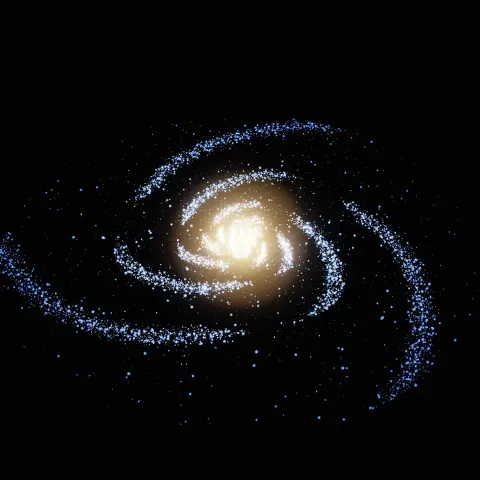
Background3DSeamless loop14 seconds

Background3DSeamless loop10 seconds

Background3DSeamless loop10 seconds