Aurora Borealis
Background3DSeamless loop12 seconds
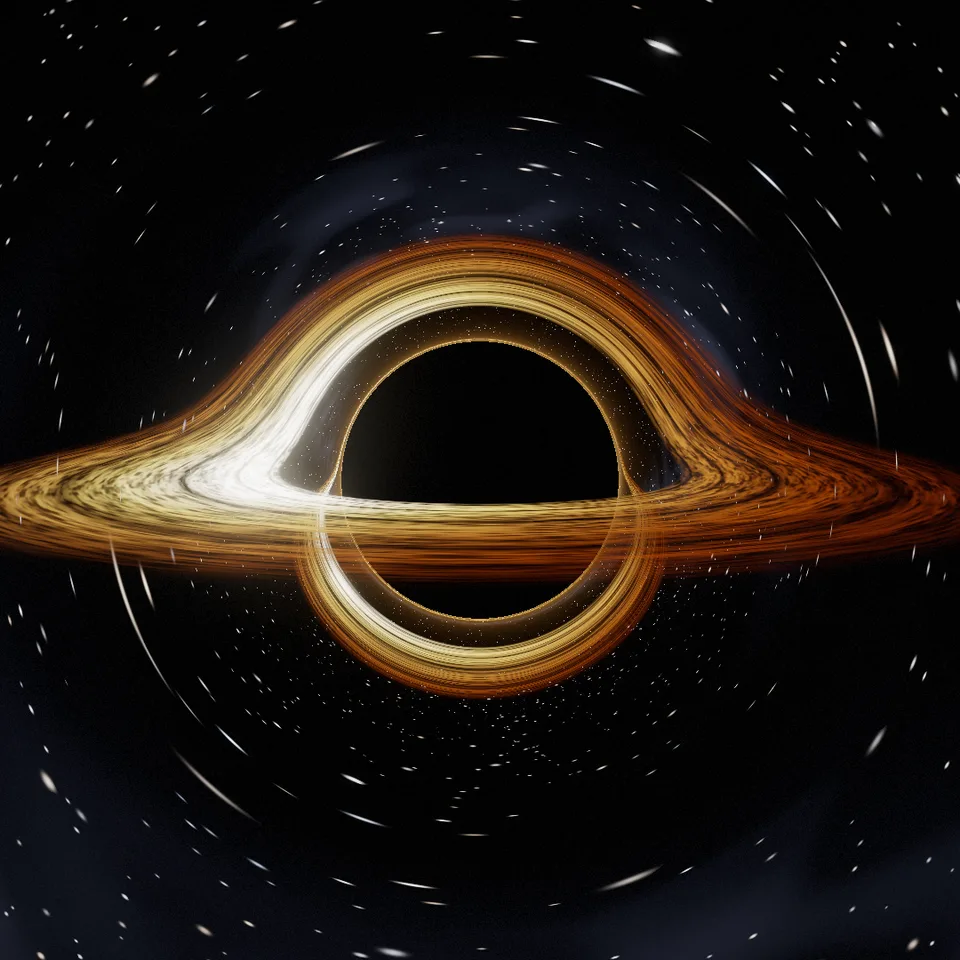
A black hole bending the light of the stars around it, a glowing accretion disk wrapping over and under its shadow. Loops perfectly.
Your current settings go with it. Combine several clips and hand them over together from your sequence.
Presets
Degrees above the plane of the disk: low is edge-on, high looks down on it.
Turns the innermost ring makes in one loop; outer rings turn slower.
How much brighter the side of the disk coming towards you is.
1 is the real thing; less or more changes the size of the shadow and the rings.
Changes the stars, the Milky Way and the streaks in the disk.
The preview runs the same code your AI receives. These settings travel with the hand-off.
A black hole ray-traced in curved space: every pixel's ray is bent by gravity, so the disk of glowing gas is wrapped over the top and under the bottom of the black shadow, the stars are stretched into arcs and a thin halo rings the edge of the shadow. The disk is hotter and brighter on the side moving towards you and turns in rings, each ring a whole number of turns per loop, while the camera sways slowly round. Choose the colours (gold, ice blue, red ember or violet), the viewing angle from edge-on to nearly face-on, how fast the disk spins, how bright it is, how much brighter the approaching side is, how strongly gravity bends light, the stars and the Milky Way.
src/black-hole.js is the ingredient your AI reuses. demo.js is only the example scene around it, and uses the demo harness only for the demo.
src/black-hole.jscreateBlackHole({ palette?, tilt?, spin?, brightness?, doppler?, gravity?, stars?, milkyWay?, seed? }) => { scene, camera, material, setSize(width, height), update(time, loopSeconds), dispose() }createBloomPass(renderer, { width, height, glow?, exposure?, grain? }) => { render(scene, camera, output?), dispose() }PALETTES: { gold, ice, ember, violet }three@0.185.1 (source) — Renderer, the full-screen shader and the bloom targets.apw-runtime@1.0.0 (demo) — Demo harness.Coordinates: Units of the hole's mass M: the horizon is at 2, the photon sphere at 3, the disk from 6 to 18; the camera sits 36 away, looking at the centre.
Lighting: Self-lit: the disk glows, with the Doppler and gravitational shifts of its colour and brightness.
Timing: update(time, loopSeconds) sets the loop phase; frames render in any order.
npm install
npm run render -- black-hole/1.0.0 --out my-video.mp4
Needs Node 18+, ffmpeg and Chrome/Chromium. Add --params my-settings.json (from Copy settings) for your own settings.sha256:9cfb60601095016a…Background3DSeamless loop12 seconds
Background3DSeamless loop14 seconds
Background3DSeamless loop16 seconds
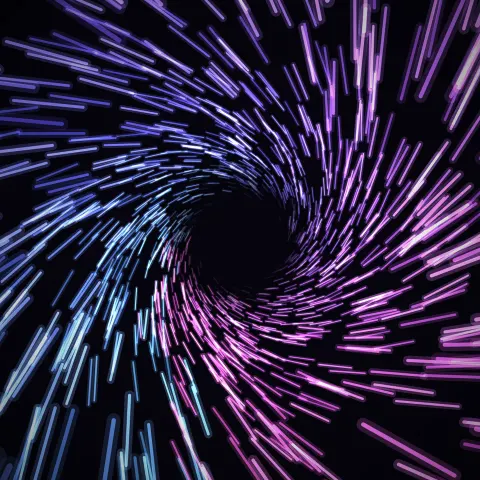
Effect2DSeamless loop6 seconds
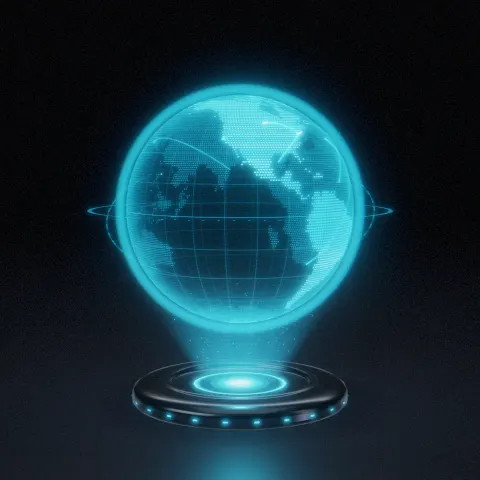
3D object3DSeamless loop12 seconds
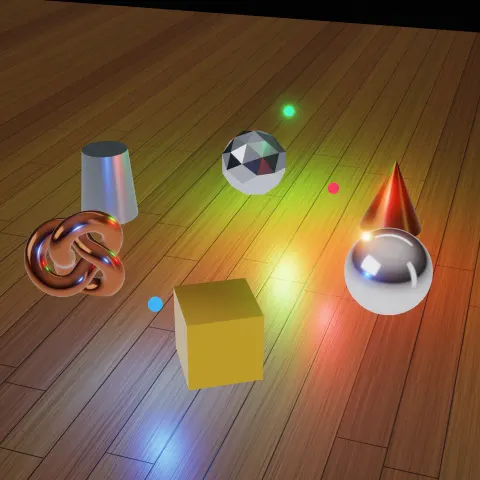
3D object3DSeamless loop16 seconds
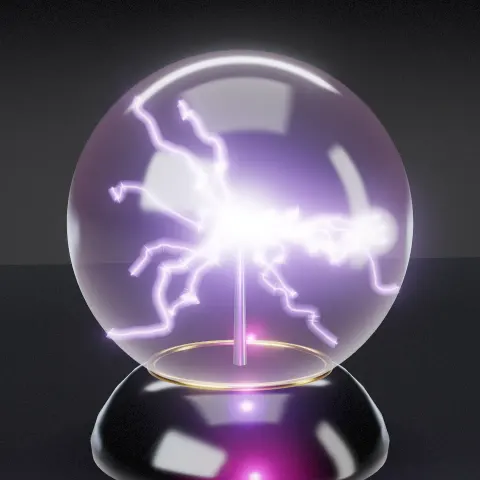
3D object3DSeamless loop12 seconds
Background3DSeamless loop12 seconds