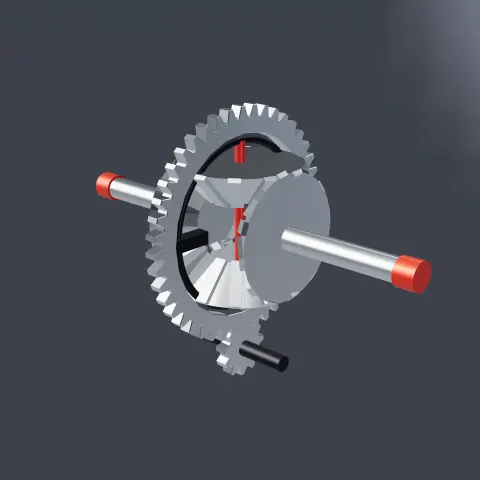
Differential Gear
3D object3DSeamless loop16 seconds
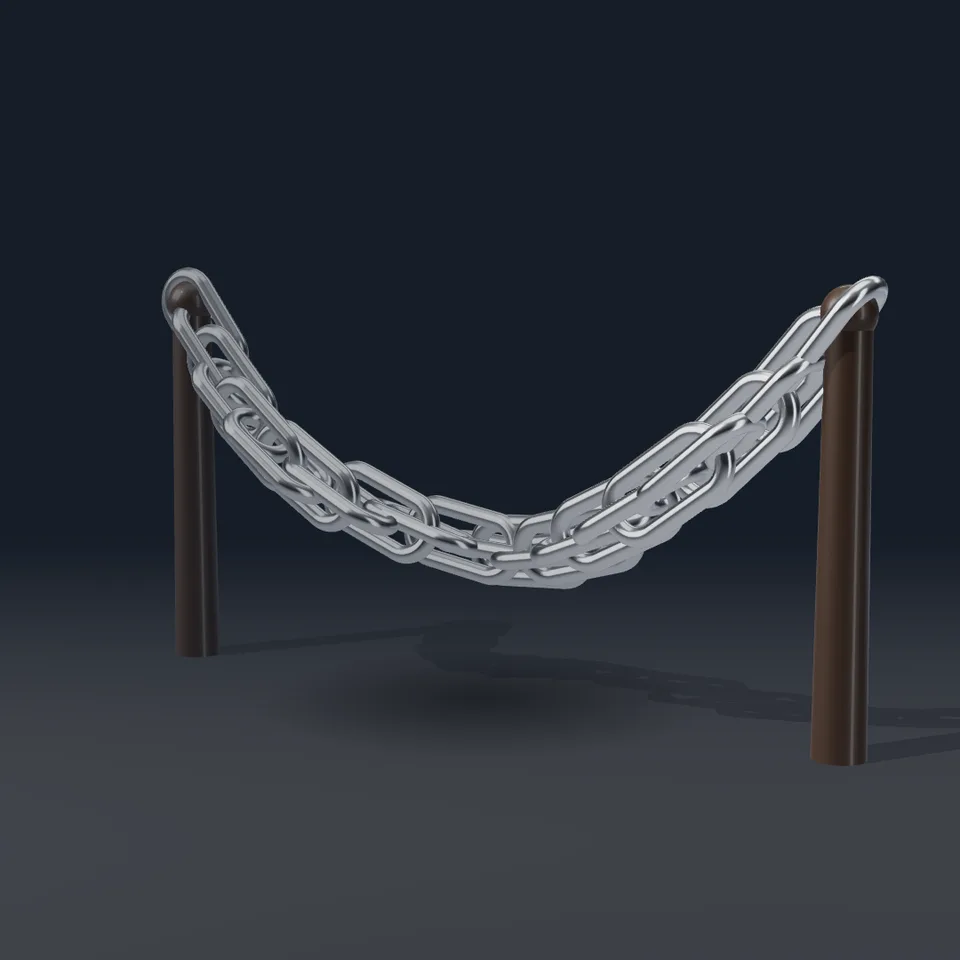
A heavy polished chain hangs between two posts and sways in a slow wave. Loops perfectly.
Your current settings go with it. Combine several clips and hand them over together from your sequence.
Presets
The preview runs the same code your AI receives. These settings travel with the hand-off.
A chain of polished links hanging between two posts in a catenary curve, swaying gently: a slow wave runs along it from post to post, each link turning a little as it goes, every second link at right angles to its neighbours as in a real chain, the whole thing breathing in and out of its sag. Choose the number of links, the metal (steel, brass, copper or black), how deep the chain hangs, how much it sways, the backdrop and whether the camera drifts.
src/chain-links.js is the ingredient your AI reuses. demo.js is only the example scene around it, and uses chrome-material only for the demo.
src/chain-links.jscreateChain({ links?, metal?, sag?, sway? }) => { group, setProgress(progress), dispose() }METALS: { steel, brass, copper, black }three@0.185.1 (source) — Renderer, geometry and shader materials.chrome-material@1.1.0 (demo) — Studio environment light, backdrop and contact shadow.apw-runtime@1.0.0 (demo) — Demo harness.Coordinates: Posts at x = ±5.2; the chain runs between y = 5 on the posts and sags to about y = 2.4; it sways along z.
Lighting: A warm key light with a shadow map and the studio environment on the polished metal.
Timing: setProgress(progress) places every link; frames render in any order.
npm install
npm run render -- chain-links/1.0.0 --out my-video.mp4
Needs Node 18+, ffmpeg and Chrome/Chromium. Add --params my-settings.json (from Copy settings) for your own settings.sha256:7d743501890d71e4… · other versions: 1.0.13D object3DSeamless loop16 seconds
3D object3DSeamless loop12 seconds
3D object3DSeamless loop12 seconds
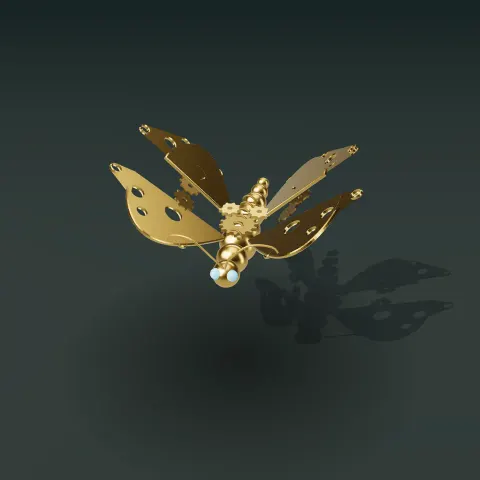
3D object3DSeamless loop12 seconds
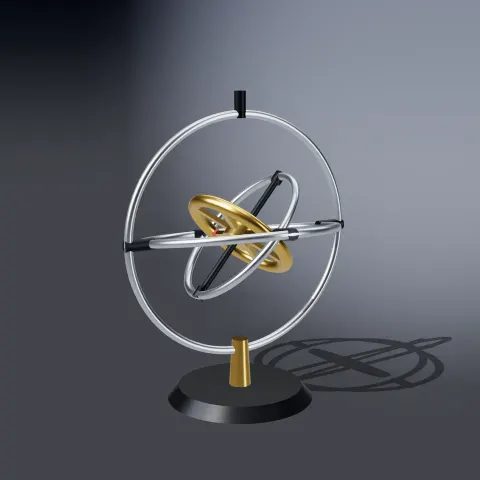
3D object3DSeamless loop16 seconds
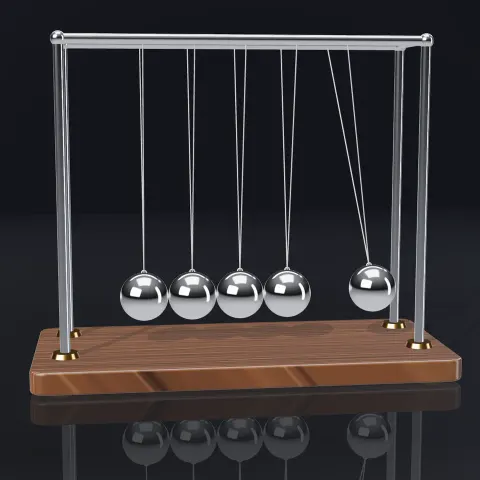
3D object3DSeamless loop9.6 seconds
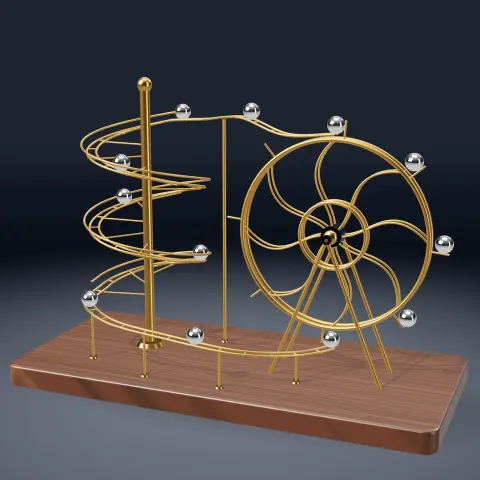
3D object3DSeamless loop12 seconds
3D object3DSeamless loop12 seconds