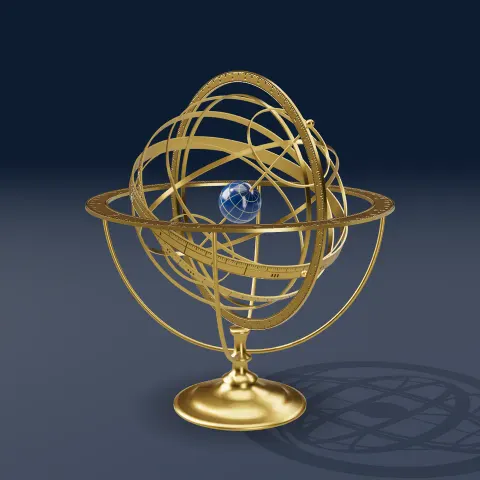
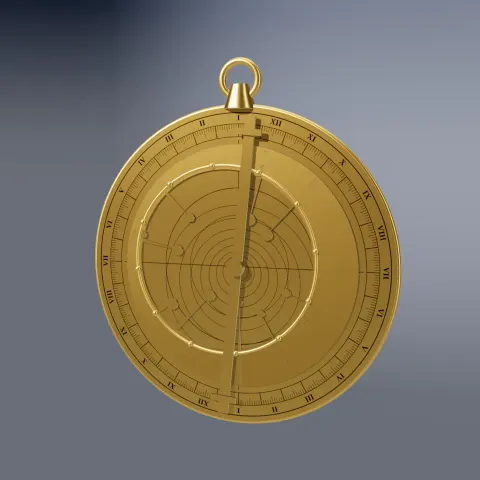
Brass Armillary Sphere
3D object3DSeamless loop12 seconds
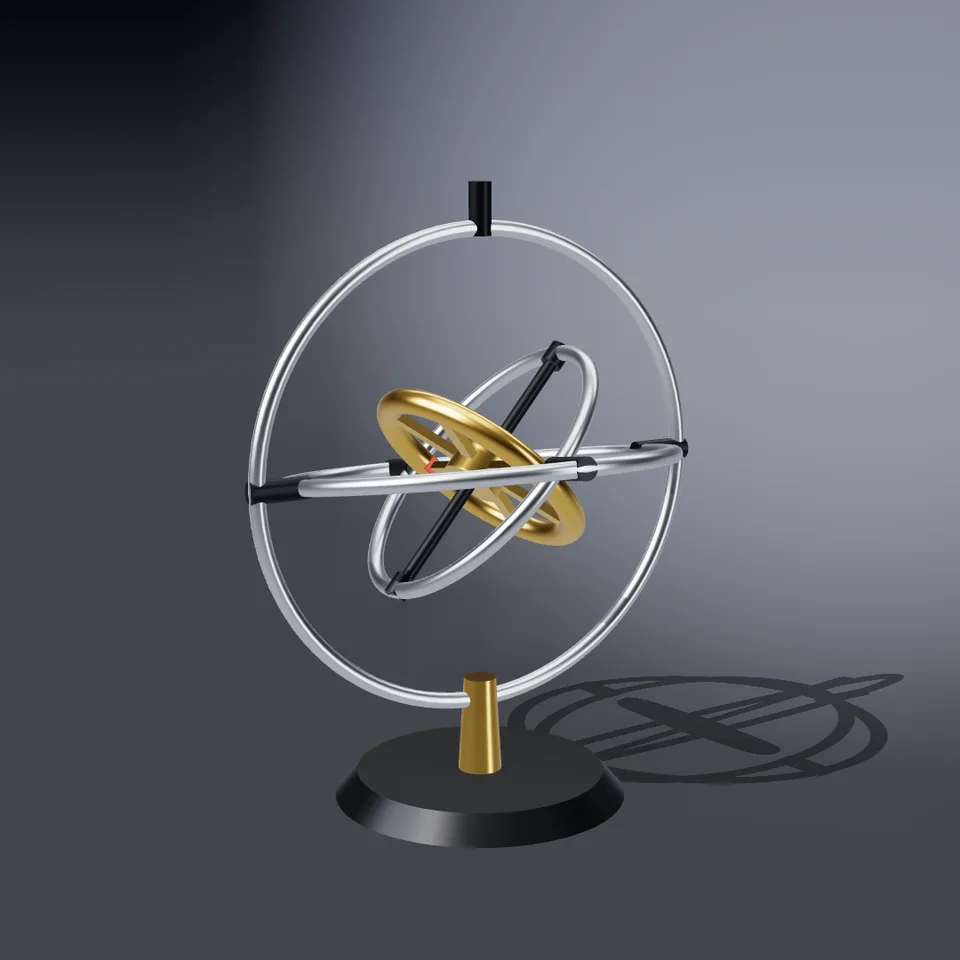
A heavy rotor spinning in three nested gimbal rings on a post, tumbling through every orientation. Loops perfectly.
Your current settings go with it. Combine several clips and hand them over together from your sequence.
Presets
Turns of the rotor per loop.
How far the rings swing; 1.5 and above also sends the outer rings round.
The preview runs the same code your AI receives. These settings travel with the hand-off.
A gyroscope in its gimbals: a heavy brass rotor spinning on its axle inside an inner ring, hung in a middle ring, hung in an outer ring that stands on a post. Each ring pivots about a different axis, so the rotor tumbles through every orientation while it spins. Choose the metal of the rings (steel, brass, copper or chrome), how fast the rotor spins, how far the rings tumble (a high setting sends the outer rings round whole turns), the backdrop colour and whether the camera sways.
src/gyroscope.js is the ingredient your AI reuses. demo.js is only the example scene around it, and uses chrome-material only for the demo.
src/gyroscope.jscreateGyroscope({ metal?, spin?, tumble? }) => { group, setProgress(progress), dispose() }METALS: { steel, brass, copper, chrome }three@0.185.1 (source) — Renderer, geometry and shader materials.chrome-material@1.1.0 (demo) — Studio environment light, backdrop and contact shadow.apw-runtime@1.0.0 (demo) — Demo harness.Coordinates: The post stands on y = 0; the gimbal centre is at y ≈ 4.5 with outer ring radius 3.2, middle 2.6, inner 2.0; ring axes are y (outer), x (middle), z (inner) and the rotor spins about y in the inner frame.
Lighting: A warm key light with a shadow map and the studio environment.
Timing: setProgress(progress) sets every angle in closed form; frames render in any order.
npm install
npm run render -- gyroscope/1.0.0 --out my-video.mp4
Needs Node 18+, ffmpeg and Chrome/Chromium. Add --params my-settings.json (from Copy settings) for your own settings.sha256:1d481f81ab270129…3D object3DSeamless loop12 seconds
3D object3DSeamless loop16 seconds
3D object3DSeamless loop12 seconds
3D object3DSeamless loop12 seconds
3D object3DSeamless loop12 seconds
3D object3DSeamless loop9.6 seconds
3D object3DSeamless loop12 seconds
3D object3DSeamless loop16 seconds