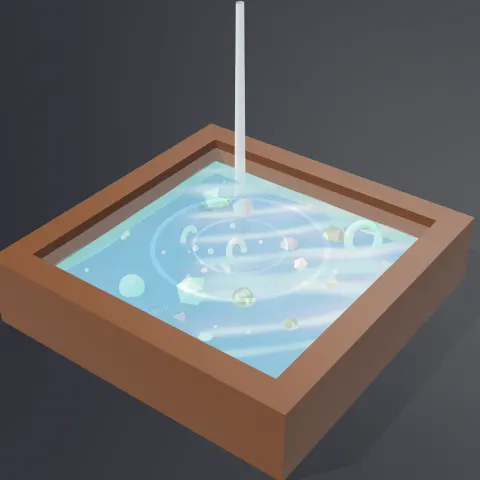
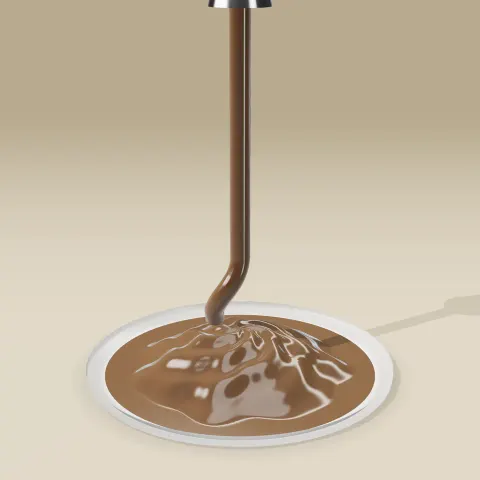
Resin Pour
3D object3DSeamless loop14 seconds
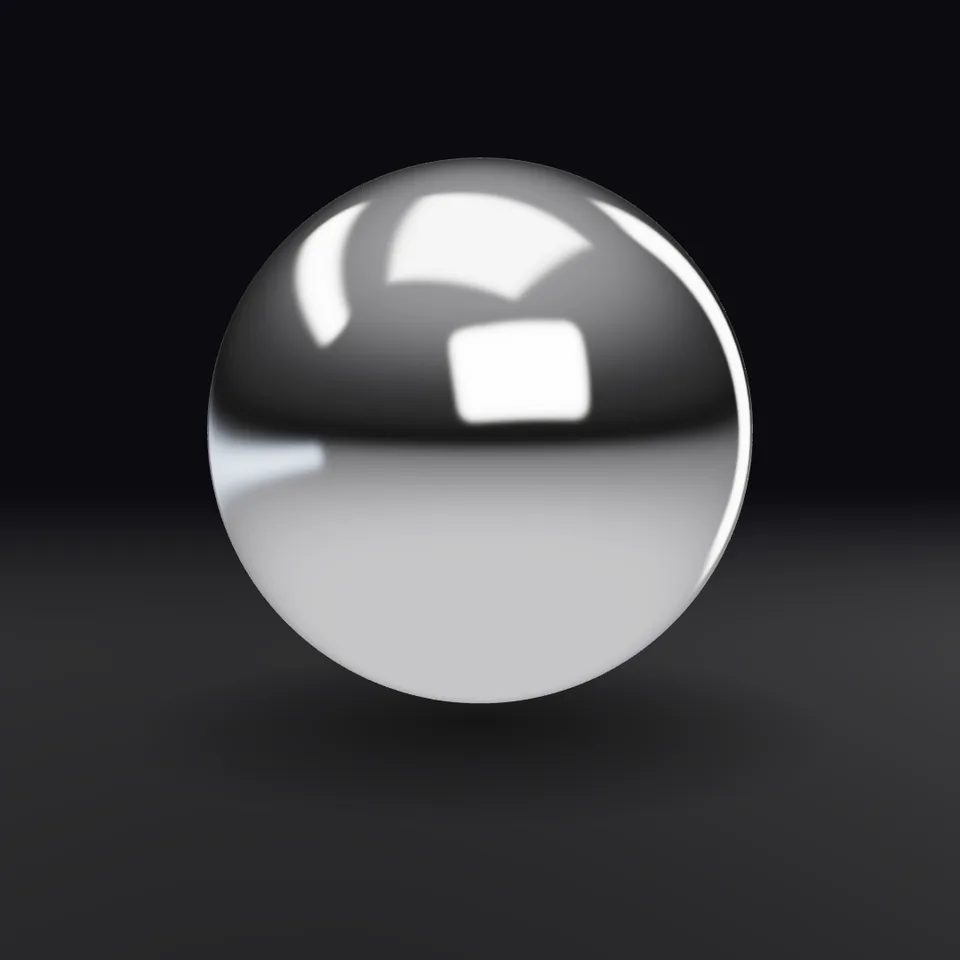
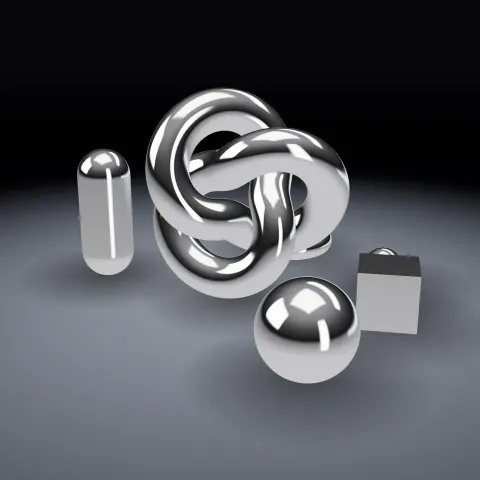
Mirror-bright liquid chrome with a soft photo-studio lighting rig. Works on any 3D shape.
In Light, glass & shine, Liquids
Next: Resin PourSurprise me
Your current settings go with it. Combine several clips and hand them over together from your sequence.
Presets
The material works on any geometry; try another shape.
White is chrome. Warm yellow reads as gold.
Lower is a sharper mirror; higher looks brushed.
Cool blue light to warm amber light.
How many times the studio lights circle the object during the clip. 0 keeps them still.
The preview runs the same code your AI receives. These settings travel with the hand-off.
A fully metallic physical material plus the thing chrome actually needs to look like chrome: something to reflect. The studio is built from code (a dark room with glowing softboxes) and baked into an environment map, so there are no image files to license or load. Change the tint for gold or steel, raise the roughness for a brushed finish, and slowly turn the lights for that rolling-highlight look.
src/chrome-material.js is the ingredient your AI reuses. demo.js is only the example scene around it, and uses the demo harness only for the demo.
See it combined with other ingredients in Bouncing Marbles in a Box, Bouncing Marbles in a Box, Chrome Orbit.
src/chrome-material.jscreateStudioEnvironment(renderer, { intensity?, warmth? }) => { texture, dispose }createChromeMaterial({ color?, roughness?, clearcoat?, envMapIntensity? }) => THREE.MeshPhysicalMaterialapplyMaterial(object, material) => objectconfigureRenderer(renderer, { exposure? }) => renderercreateContactShadow({ size?, opacity? }) => THREE.Meshthree@0.185.1 (source) — WebGL rendering. In a bundler project install [email protected] from npm; the bare import 'three' resolves to it.apw-runtime@1.0.0 (demo) — Demo only: frame/time harness and loop helpers.Coordinates: Y-up, metres-ish. The studio is centred on the origin with a radius of 20 units; it is only used as a reflection map, so scene scale does not matter.
Lighting: Lighting comes from scene.environment (image-based). No THREE lights are required. If your scene already has an environment, you can use only createChromeMaterial.
Timing: Static material. The demo rotates scene.environmentRotation by whole turns over the clip for a seamless loop.
npm install
npm run render -- chrome-material/1.0.0 --out my-video.mp4
Needs Node 18+, ffmpeg and Chrome/Chromium. Add --params my-settings.json (from Copy settings) for your own settings.sha256:cd8524db875223bd… · other versions: 1.1.03D object3DSeamless loop14 seconds
3D object3DSeamless loop16 seconds
Material3DSeamless loop8 seconds
Full example3DSeamless loop8 seconds
3D object3DSeamless loop12 seconds
3D object3DSeamless loop16 seconds
3D object3DSeamless loop16 seconds
3D object3DSeamless loop16 seconds