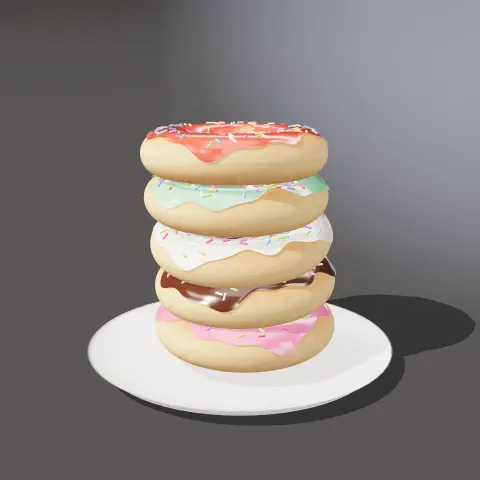
Donut Stack
3D object3DSeamless loop16 seconds
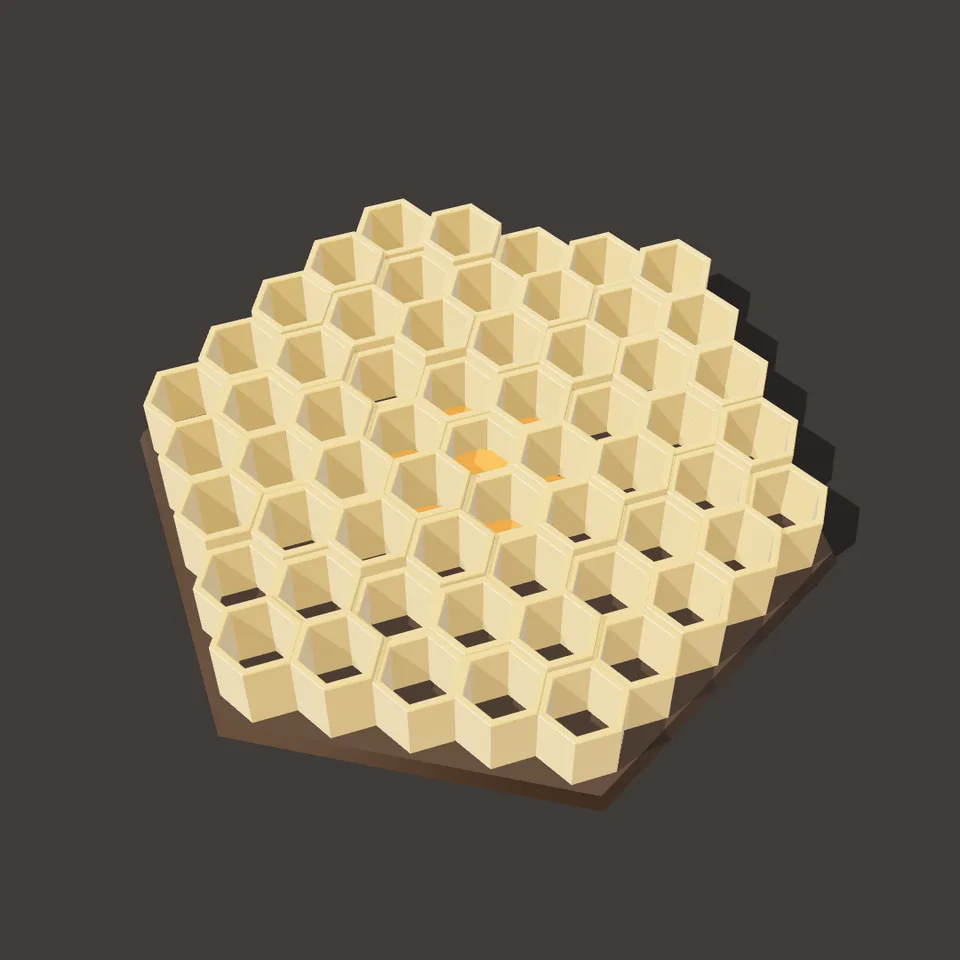
A honeycomb built cell by cell: wax walls rise from the middle outward, fill with glossy honey, drain and sink away. Loops perfectly.
In Food & sweets, Nature & weather
Next: Donut StackSurprise me
Your current settings go with it. Combine several clips and hand them over together from your sequence.
Presets
Rings of cells round the middle one.
The preview runs the same code your AI receives. These settings travel with the hand-off.
A honeycomb built cell by cell. Hexagonal wax walls rise from the middle outward, each cell then fills with glossy honey, the honey drains and the walls sink again, so the loop starts and ends on an empty board. Choose the number of rings of cells, the wax colour (beeswax, white, dark or green), how deep the cells are, the seed that varies their heights, the backdrop colour and whether the camera sways.
src/honeycomb-build.js is the ingredient your AI reuses. demo.js is only the example scene around it, and uses chrome-material only for the demo.
src/honeycomb-build.jscreateHoneycomb({ rings?, wax?, depth?, seed? }) => { group, size, setProgress(progress), dispose() }WAXES: { beeswax, white, dark, green }three@0.185.1 (source) — Renderer, geometry and shader materials.chrome-material@1.1.0 (demo) — Studio environment light, backdrop and contact shadow.apw-runtime@1.0.0 (demo) — Demo harness.Coordinates: The comb is centred on the origin, base on y = 0, cells of circumradius 0.5 in pointy-top hexagons; the camera looks down at about 54°.
Lighting: A warm key light with a shadow map, a shadow-catching floor and the studio environment.
Timing: setProgress(progress) sets every wall and honey height; frames render in any order.
npm install
npm run render -- honeycomb-build/1.0.0 --out my-video.mp4
Needs Node 18+, ffmpeg and Chrome/Chromium. Add --params my-settings.json (from Copy settings) for your own settings.sha256:70c1361d2568f329…3D object3DSeamless loop16 seconds
3D object3DSeamless loop12 seconds
3D object3DSeamless loop10 seconds
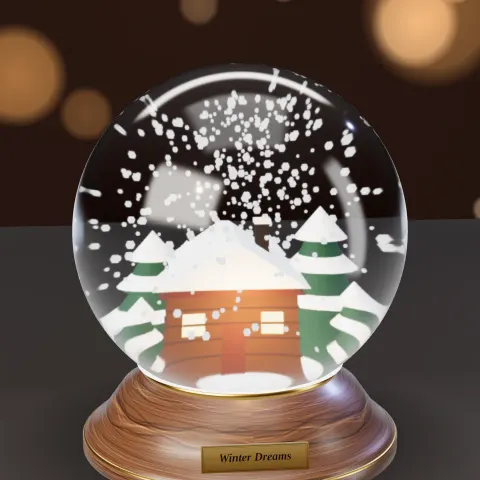
3D object3DSeamless loop12 seconds
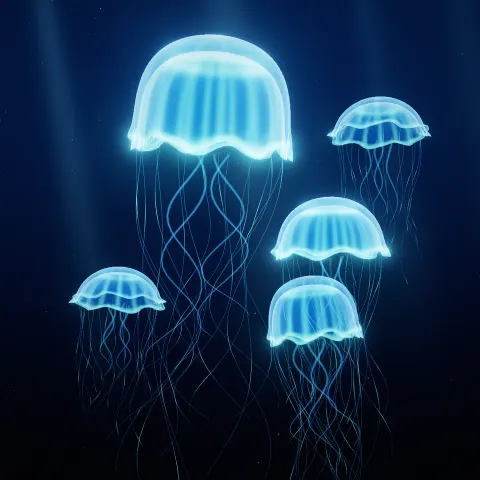
Background3DSeamless loop12 seconds
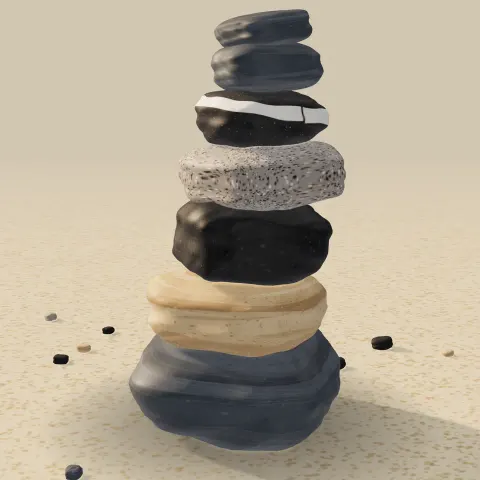
3D object3DSeamless loop12 seconds

3D object3DSeamless loop12 seconds
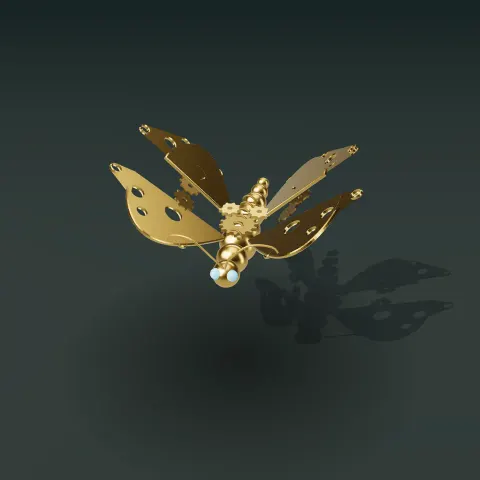
3D object3DSeamless loop12 seconds