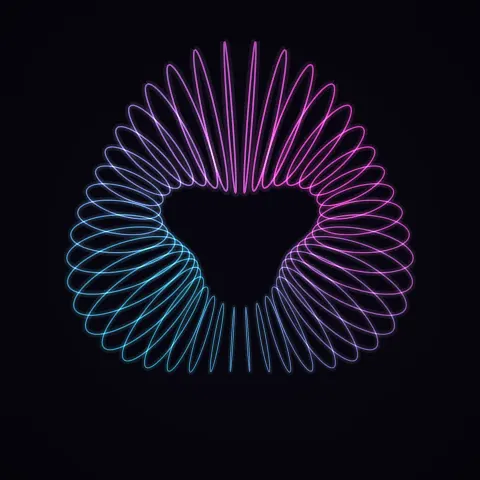
Torus Wave Loop
Effect2DSeamless loop8 seconds
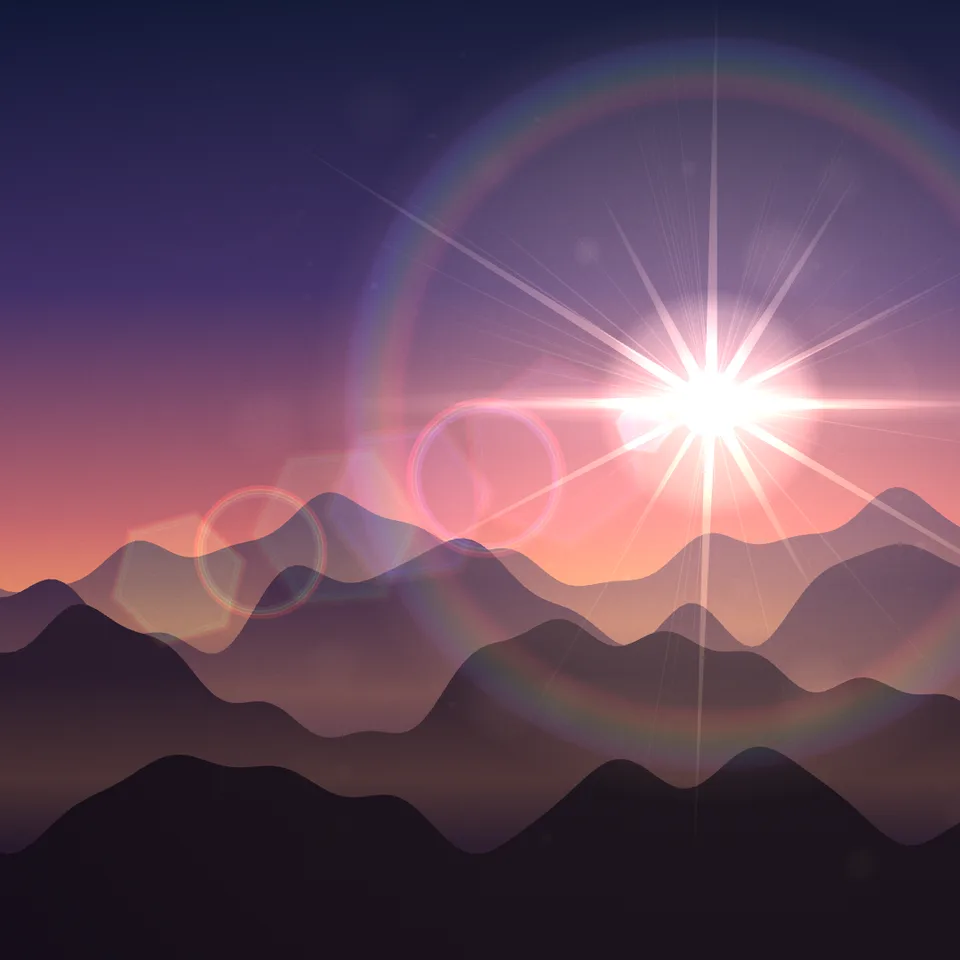
A cinematic lens flare drawn over any frame: glow, starburst, anamorphic streak, rainbow halo and ghosts that move with the light.
Your current settings go with it. Combine several clips and hand them over together from your sequence.
Presets
Drift loops seamlessly; Sweep crosses the frame once.
Black is for laying the flare over your own footage with Screen blending.
Reflections along the line through the centre of the frame.
The preview runs the same code your AI receives. These settings travel with the hand-off.
A lens flare as a finishing layer. Place a light anywhere in the frame (or just outside it) and the flare follows: a bright core and glow, a starburst from the aperture blades, an anamorphic streak, a rainbow halo, a chain of ghosts reflected through the centre of the frame, lens dirt that lights up near the source and a veil of glare. Four styles (cinematic, anamorphic blue streak, sun, soft), any light colour, and a light that drifts on a loop, sweeps across or stays put. On black it is ready to drop on a clip with Screen blending.
src/lens-flare.js is the ingredient your AI reuses. demo.js is only the example scene around it, and uses the demo harness only for the demo.
src/lens-flare.jscreateLensFlare({ style?, tint?, ghosts?, rays?, size?, dirt?, grain?, seed? }) => { style, draw(ctx, { x, y, width, height, intensity? }) }lightPath(progress, kind = 'drift') => { x, y }STYLES: Record<'cinematic' | 'anamorphic' | 'sun' | 'soft', object>apw-runtime@1.0.0 (demo) — Demo harness.Coordinates: Pixels of the canvas you draw on; ghosts mirror the light through the canvas centre.
Lighting: Additive; on black the result can be blended over footage with Screen or Add.
Timing: draw() is a pure function of the light position; lightPath(progress) gives a position per frame.
npm install
npm run render -- lens-flare/1.0.0 --out my-video.mp4
Needs Node 18+, ffmpeg and Chrome/Chromium. Add --params my-settings.json (from Copy settings) for your own settings.sha256:b2385edbafe5221b…Effect2DSeamless loop8 seconds
Background3DSeamless loop8 seconds
Background3DSeamless loop12 seconds
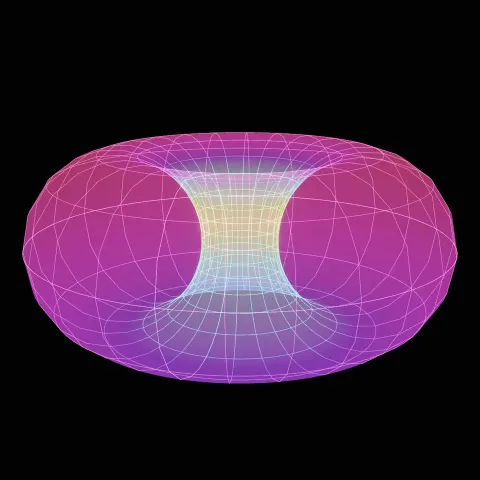
3D object3DSeamless loop16 seconds
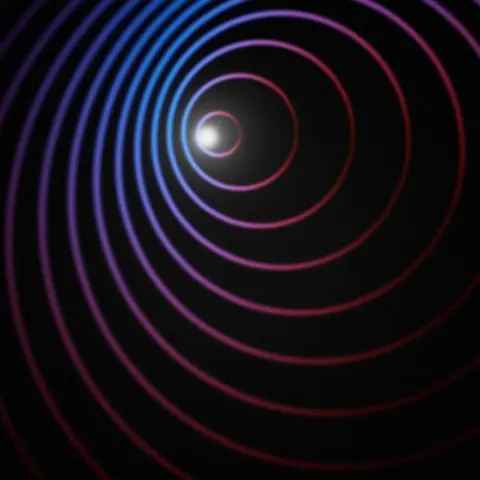
Background3DSeamless loop10 seconds
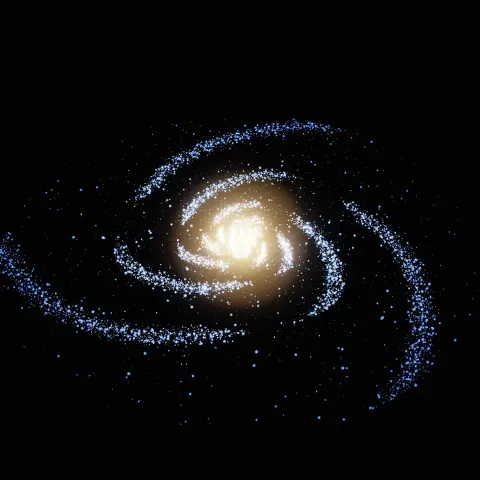
Background3DSeamless loop14 seconds
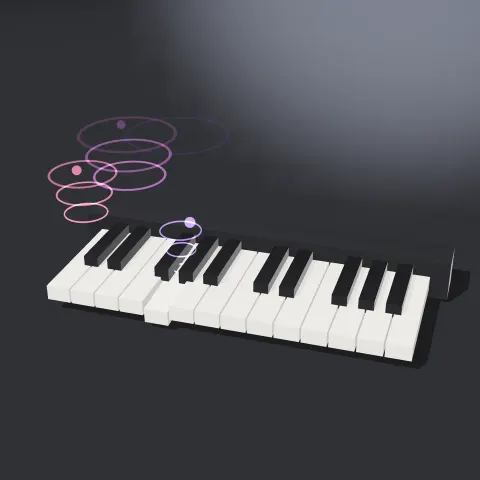
3D object3DSeamless loop16 seconds
Background3DSeamless loop12 seconds