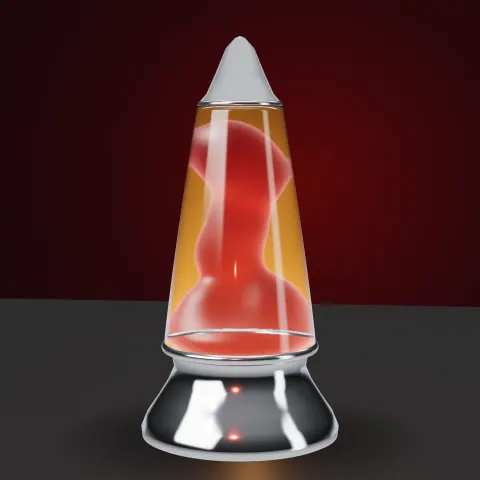
Lava Lamp
3D object3DSeamless loop15 seconds
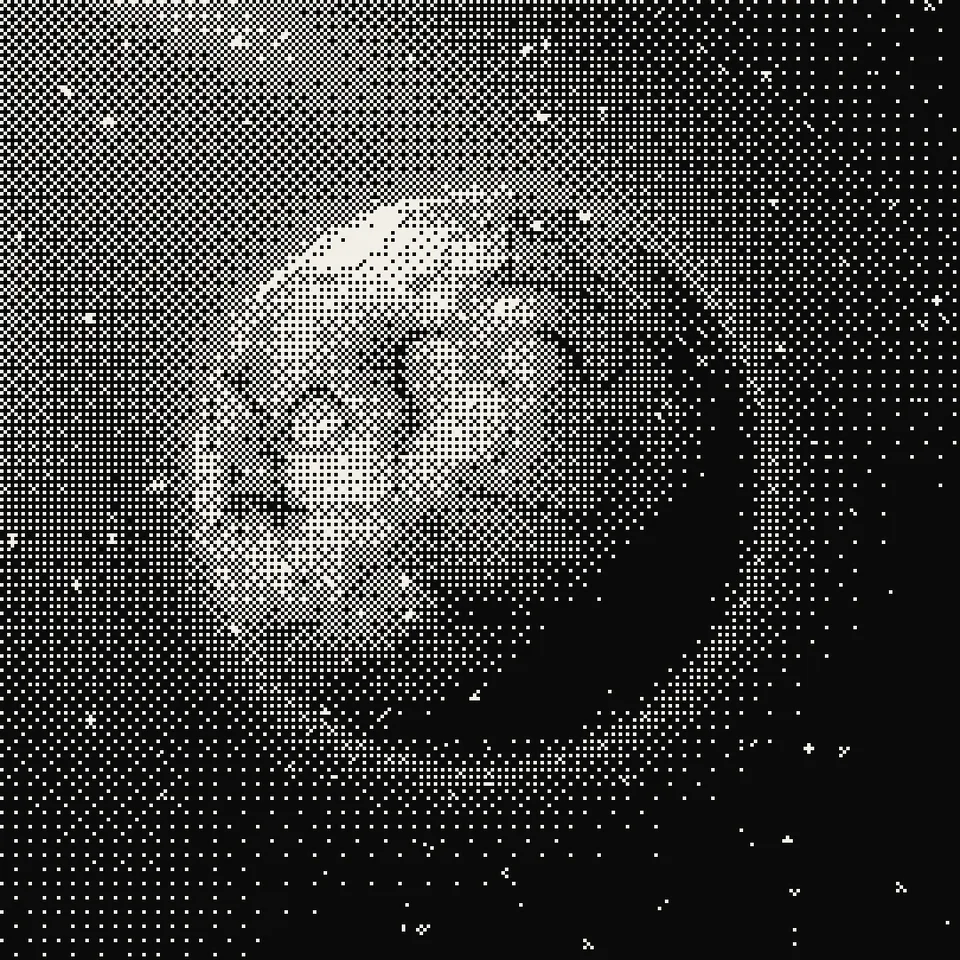
Turns any animation into crisp, retro dot patterns in two to four colours, with an optional choppy low frame rate, like the dithered videos all over social feeds.
In Patterns & illusions, Craft & heritage
Next: Lava LampSurprise me
Your current settings go with it. Combine several clips and hand them over together from your sequence.
Presets
What the demo dithers. Your own project can dither anything.
Screen pixels per dot. Bigger is more retro.
Used when Colours is set to My two colours.
Used when Colours is set to My two colours.
Holds frames for a jumpy, hand-cranked look. 30 is smooth.
Changes the moon surface, stars and ash.
The preview runs the same code your AI receives. These settings travel with the hand-off.
The dithered look: smooth shading becomes a pattern of hard dots in just two colours (or four, Game Boy style), like an old Mac screen or a newspaper photo. Pick the dot pattern (fine checkerboard, round halftone dots or engraving lines), how big the dots are, the colours and how choppy the motion feels. The pattern stays locked in place from frame to frame so it never shimmers. The demo dithers a turning moon under drifting light and falling ash, or an endless tunnel; the same code dithers your own canvas, photo, video frame or 3D scene.
src/dither-animation.js is the ingredient your AI reuses. demo.js is only the example scene around it, and uses the demo harness only for the demo.
src/dither-animation.jscreateDither({ pixelSize?, pattern?, palette?, contrast?, brightness?, invert? }) => { grid(width, height), drawField(ctx, width, height, field), drawBuffer(ctx, width, height, buffer), applyToCanvas(ctx, width, height), pixelSize }stepTime(info, stepsPerSecond?) => { time, phase }apw-runtime@1.0.0 (demo) — Demo harness and seeded random numbers. src/dither-animation.js has no dependencies.Coordinates: Brightness field uses u, v from 0..1 across the frame; dots are pixelSize screen pixels square from the top left.
Lighting: None of its own; it reinterprets brightness. Light comes from what you feed it.
Timing: Stateless; pure function of its input. Use stepTime(info, n) for the choppy low-frame-rate feel.
npm install
npm run render -- dither-animation/1.0.0 --out my-video.mp4
Needs Node 18+, ffmpeg and Chrome/Chromium. Add --params my-settings.json (from Copy settings) for your own settings.sha256:baa134bfe90b5ec0… · other versions: 1.1.03D object3DSeamless loop15 seconds
Effect2DSeamless loop6 seconds
Effect2DSeamless loop8 seconds
Background3DSeamless loop12 seconds
Background3DSeamless loop12 seconds

Background2DSeamless loop12 seconds
Background3DSeamless loop10 seconds
Background3DSeamless loop12 seconds