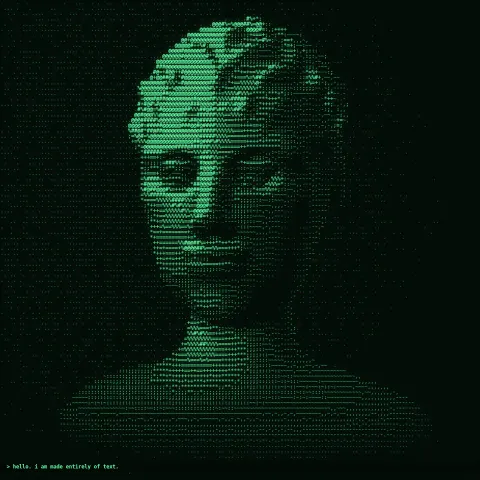
ASCII Portrait
Effect2D8 seconds
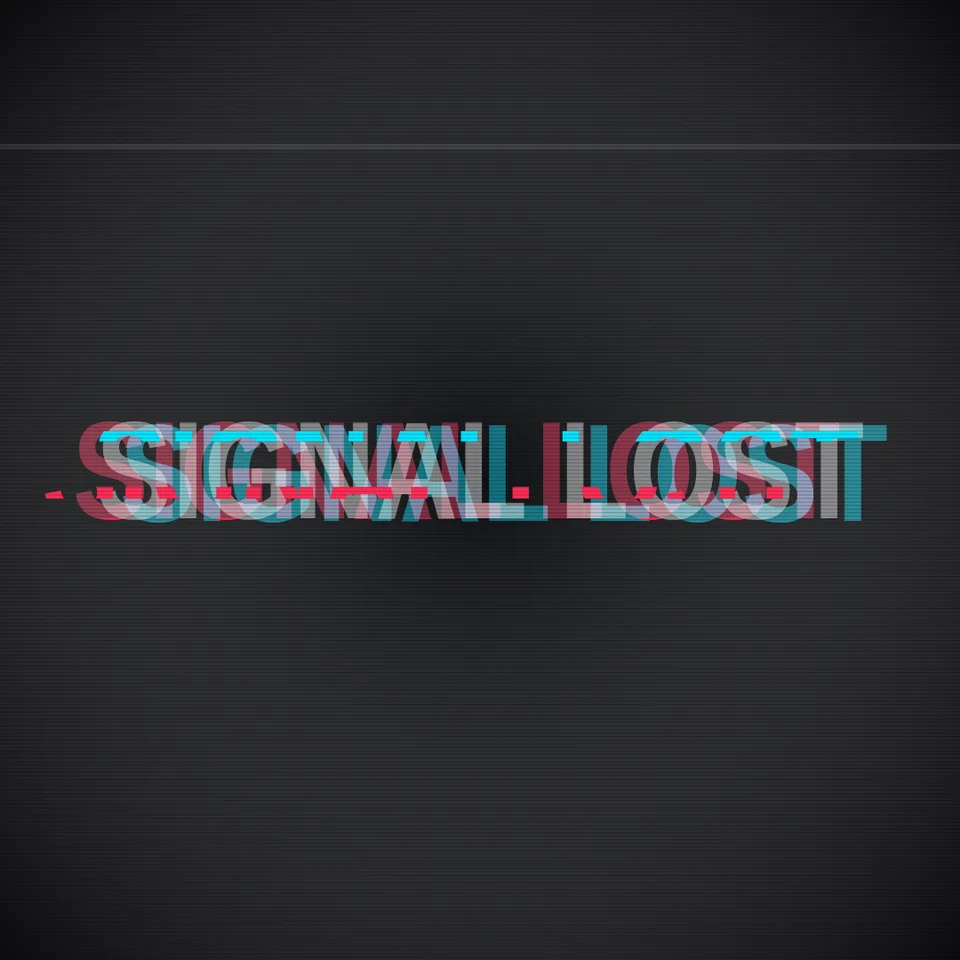
A title that glitches like a failing signal: red and cyan channels tear apart, slices jump sideways and a scan line sweeps. Loops perfectly.
Your current settings go with it. Combine several clips and hand them over together from your sequence.
Presets
The preview runs the same code your AI receives. These settings travel with the hand-off.
A title that glitches like a failing signal. Most of the time it sits steady with a faint red-and-cyan fringe; in short bursts the colour channels tear apart, horizontal slices of the text jump sideways, a scan line sweeps down and the letters flicker. Bursts fall on fixed steps of the loop and every random choice is seeded, so the glitch is identical every time and the last frame is the first. Type the words, choose the colours (rgb, acid, amber or mono), how violent the bursts are, how many steps per loop, the seed and the backdrop colour.
src/glitch-text.js is the ingredient your AI reuses. demo.js is only the example scene around it, and uses the demo harness only for the demo.
src/glitch-text.jscreateGlitchText({ text?, theme?, intensity?, steps?, seed?, maxWidth?, fontFamily? }) => { draw(ctx, info, width, height) }THEMES: { rgb, acid, amber, mono }apw-runtime@1.0.0 (demo) — Demo harness. The reusable source has no dependencies.Coordinates: Centred; the line is scaled to 80% of the width; offsets scale with the smaller side of the canvas.
Lighting: The channels are blended additively, so overlaps brighten like light.
Timing: Pure function of info.progress; every random value is a hash of the step number.
npm install
npm run render -- glitch-text/1.0.0 --out my-video.mp4
Needs Node 18+, ffmpeg and Chrome/Chromium. Add --params my-settings.json (from Copy settings) for your own settings.sha256:e169ddbb5f5e660f…Effect2D8 seconds
Effect3D10 seconds
Text layer2DSeamless loop10 seconds

Text layer2DSeamless loop6 seconds
Full example2D6 seconds
3D object3DSeamless loop20 seconds

Text layer2D4 seconds
Text layer2D5 seconds