
Kinetic Title Reveal
Text layer2D4 seconds
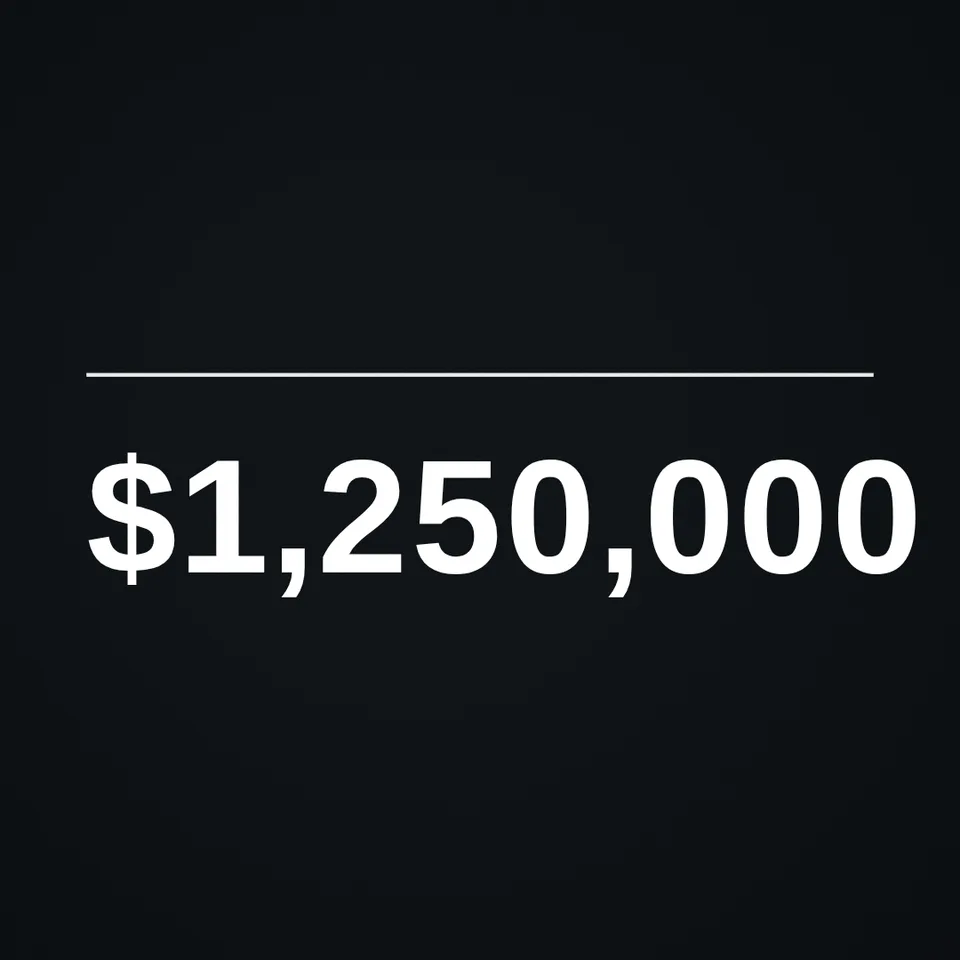
A number that counts up like a mechanical odometer, every digit rolling into place.
In Text & data
Your current settings go with it. Combine several clips and hand them over together from your sequence.
Presets
The preview runs the same code your AI receives. These settings travel with the hand-off.
Show off a big number the satisfying way: digits roll like a car's odometer from a starting value to your target, slowing down as they arrive. Add a prefix like $ or a suffix like + or 'users', choose the colour and how long it counts. Great for milestones, stats and results.
src/rolling-counter.js is the ingredient your AI reuses. demo.js is only the example scene around it, and uses the demo harness only for the demo.
See it combined with other ingredients in Minimal Animated Number Reveal.
src/rolling-counter.jscreateRollingCounter({ from?, to?, delay?, duration?, ease?, prefix?, suffix?, separator?, color?, fontFamily?, weight?, size?, x?, y?, align? }) => { draw(ctx, info, width, height), valueAt(t) }apw-runtime@1.0.0 (demo) — Demo harness. src/rolling-counter.js has no dependencies.Coordinates: Centre point as fractions of width/height; size as a fraction of the shorter side.
Lighting: None.
Timing: Pure function of time; valueAt(t) gives the exact value at any moment.
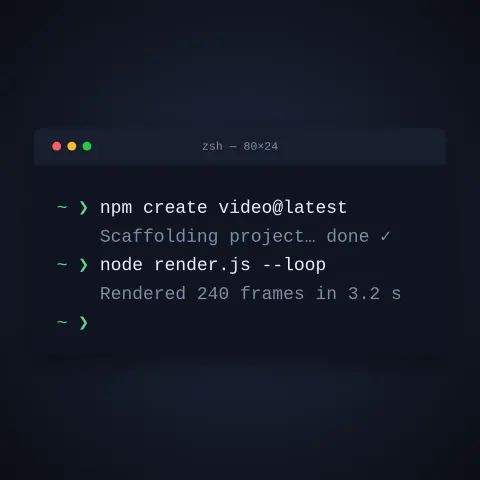
npm install
npm run render -- rolling-counter/1.1.0 --out my-video.mp4
Needs Node 18+, ffmpeg and Chrome/Chromium. Add --params my-settings.json (from Copy settings) for your own settings.sha256:8aef2813305461b0… · other versions: 1.0.0Text layer2D4 seconds

Text layer2D8 seconds

Text layer2D6 seconds

Text layer2D7 seconds

Text layer3D9 seconds

Text layer2D5 seconds
Text layer2D9 seconds

Full example2D5 seconds