
Kinetic Title Reveal
Text layer2D4 seconds
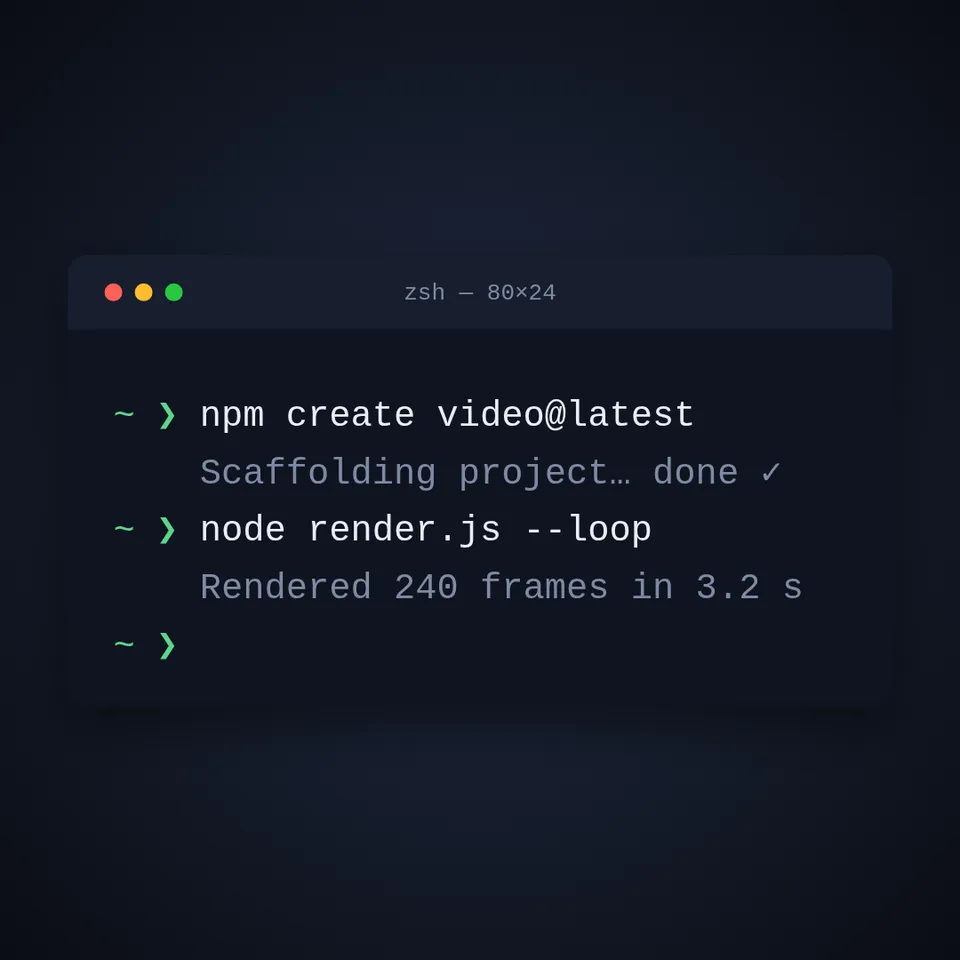
A terminal window typing commands with a human, uneven rhythm and a block caret, printing the output after each one.
In Text & data
Your current settings go with it. Combine several clips and hand them over together from your sequence.
Presets
Characters per second.
The preview runs the same code your AI receives. These settings travel with the hand-off.
A command line typing itself out. A terminal window drifts in, a prompt appears, a command is typed at a human, slightly uneven pace with a blinking block caret, the output prints in a dimmer colour and the next command follows. The typing times come from a seeded generator, so the same words always type the same way. Type two commands and their output, choose the theme (midnight, paper, phosphor or ember), the typing speed, the window title and the backdrop colour.
src/typewriter-terminal.js is the ingredient your AI reuses. demo.js is only the example scene around it, and uses the demo harness only for the demo.
src/typewriter-terminal.jscreateTypewriterTerminal({ steps?, title?, prompt?, theme?, speed?, start?, seed?, fontFamily? }) => { draw(ctx, info, width, height), revealDuration }THEMES: { midnight, paper, phosphor, ember }apw-runtime@1.0.0 (demo) — Demo harness. The reusable source has no dependencies.Coordinates: The window is centred and 86% of the width wide; its height follows the number of lines; type size scales with the smaller side of the canvas.
Lighting: A soft drop shadow lifts the window; the demo adds a glow of the theme's accent behind it.
Timing: Pure function of time; the schedule of keystrokes is computed once from the seed; revealDuration says when everything is on screen.
npm install
npm run render -- typewriter-terminal/1.0.0 --out my-video.mp4
Needs Node 18+, ffmpeg and Chrome/Chromium. Add --params my-settings.json (from Copy settings) for your own settings.sha256:03280ecb2a61e108…Text layer2D4 seconds
Text layer2D5 seconds

Text layer2D8 seconds
Text layer2D6 seconds

Text layer2D7 seconds
Full example2D5 seconds
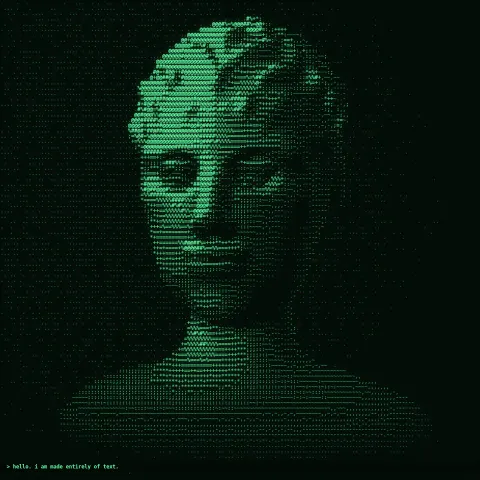
Effect2D8 seconds
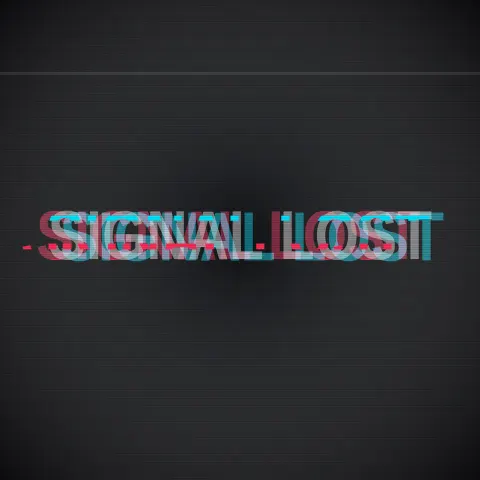
Text layer2DSeamless loop6 seconds