

Kinetic Title Reveal
Text layer2D4 seconds
A countdown where a thick ring sweeps down for every number, digits drop in under a mask, and the final word lands with a flash.
In Text & data
Your current settings go with it. Combine several clips and hand them over together from your sequence.
Presets
Shown at zero. Leave empty for none.
The preview runs the same code your AI receives. These settings travel with the hand-off.
A countdown that counts with a ring. A thick arc sweeps away round a dial, one full sweep per number; at each tick the digit snaps out and the next drops in under a mask, a pulse leaves the ring and tick marks light up as they are passed. At zero the ring closes, flashes and the final word lands. Choose the number to start from (2 to 10), the final word (or none), the colours (electric, sunrise, lime or mono), the seconds per number and the backdrop colour.
src/countdown-ring.js is the ingredient your AI reuses. demo.js is only the example scene around it, and uses the demo harness only for the demo.
src/countdown-ring.jscreateCountdownRing({ from?, final?, theme?, per?, start?, fontFamily? }) => { draw(ctx, info, width, height), revealDuration }THEMES: { electric, sunrise, lime, mono }apw-runtime@1.0.0 (demo) — Demo harness. The reusable source has no dependencies.Coordinates: Centred; the ring has a radius of 330 on a 1080 canvas and scales with the smaller side.
Lighting: The ring glows in the theme colour; the demo adds a soft pool of it behind.
Timing: Pure function of time; one number per `per` seconds after a 0.4 s start; revealDuration says when the final word has landed.
npm install
npm run render -- countdown-ring/1.0.0 --out my-video.mp4
Needs Node 18+, ffmpeg and Chrome/Chromium. Add --params my-settings.json (from Copy settings) for your own settings.sha256:c731466575b271dc…Text layer2D4 seconds
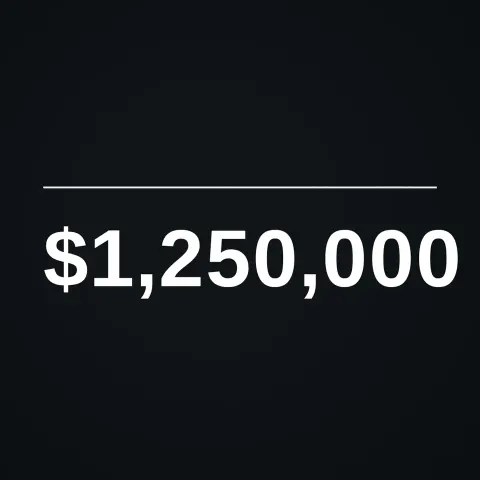
Text layer2D5 seconds
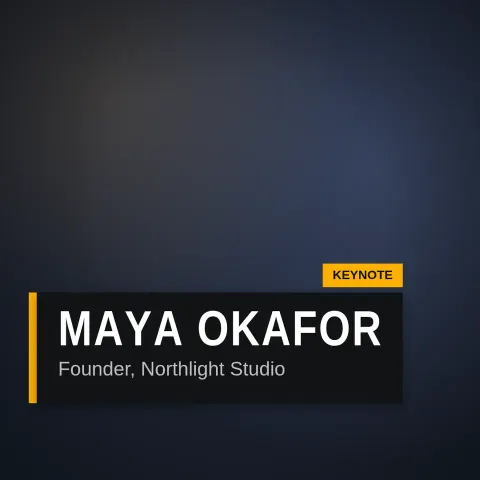
Text layer2D6 seconds

Text layer2D7 seconds
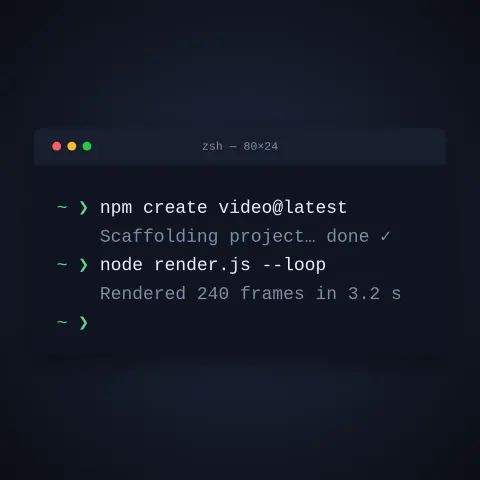
Text layer2D9 seconds
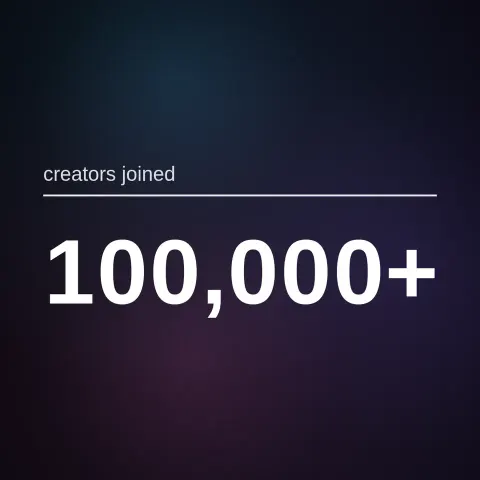
Full example2D5 seconds
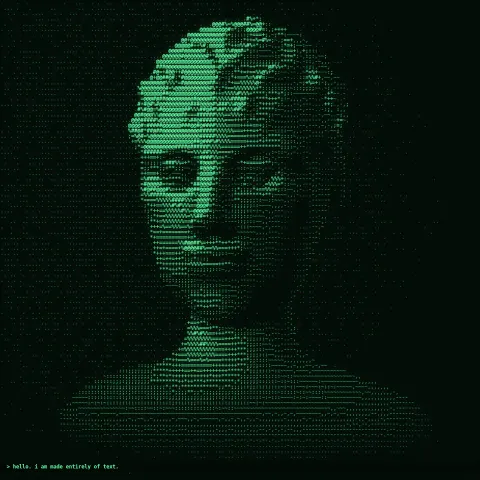
NewEffect2D8 seconds
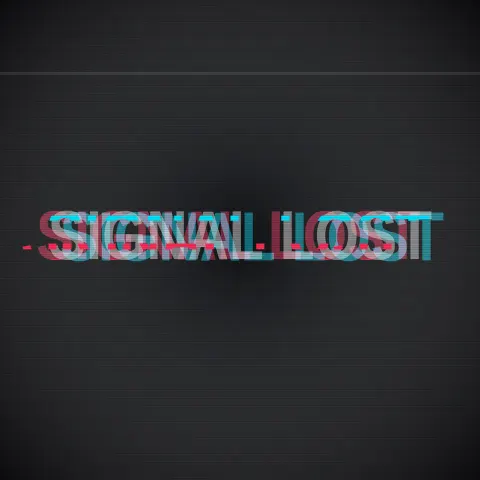
Text layer2DSeamless loop6 seconds