
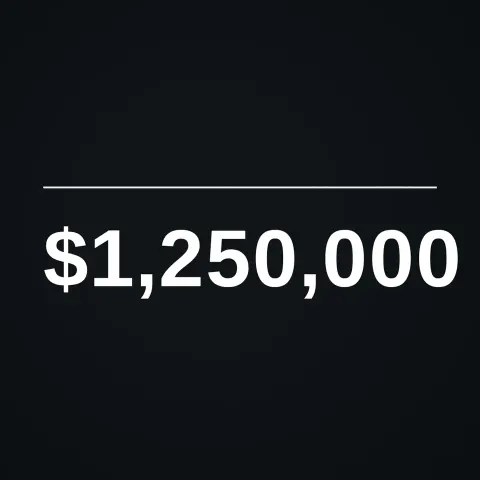
Rolling Number Counter
Text layer2D5 seconds
The call to action that ends creator videos: a SUBSCRIBE pill slides in, a cursor clicks it, it turns into SUBSCRIBED with a tick and a bell rings.
In Text & data
Your current settings go with it. Combine several clips and hand them over together from your sequence.
Presets
The preview runs the same code your AI receives. These settings travel with the hand-off.
The call to action every creator video ends on: a red pill pops in with a small overshoot, a cursor glides to it and clicks (the button squashes and a ring ripples out), the pill turns into a grey one with a tick, and a bell swings beside it. The words are options, so it works for follow, join or buy prompts too. Choose the two labels, the colours (red, blue, green or gold), whether the bell rings and the backdrop colour.
src/subscribe-button.js is the ingredient your AI reuses. demo.js is only the example scene around it, and uses the demo harness only for the demo.
src/subscribe-button.jscreateSubscribeButton({ label?, doneLabel?, theme?, bell?, clickAt?, fontFamily? }) => { draw(ctx, info, width, height), revealDuration }THEMES: { red, blue, green, gold }apw-runtime@1.0.0 (demo) — Demo harness. The reusable source has no dependencies.Coordinates: Centred (shifted left a little to make room for the bell); the pill is 150 units tall on a 1080 canvas; the cursor comes in from the lower right.
Lighting: A soft drop shadow lifts the pill.
Timing: Pure function of time: pop-in 0.2 s, cursor 0.9 s, click at 1.6 s, flip, tick and bell shortly after; revealDuration says when it has settled.
npm install
npm run render -- subscribe-button/1.0.0 --out my-video.mp4
Needs Node 18+, ffmpeg and Chrome/Chromium. Add --params my-settings.json (from Copy settings) for your own settings.sha256:8bc9920ab6de64fc…Text layer2D5 seconds

Text layer3D9 seconds
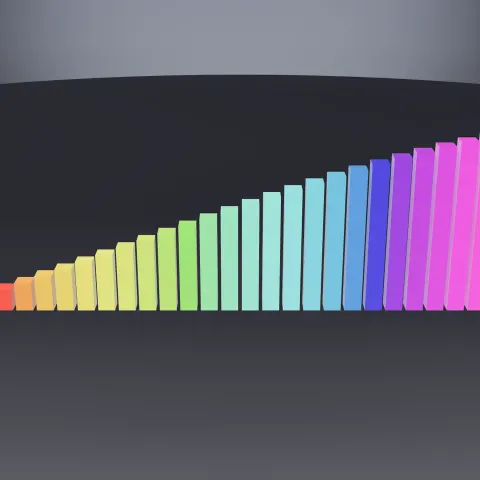
3D object3DSeamless loop20 seconds

Text layer2D4 seconds
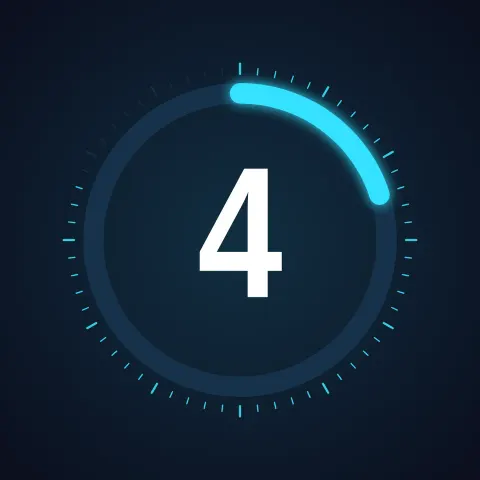
Text layer2D8 seconds

Text layer2DSeamless loop6 seconds
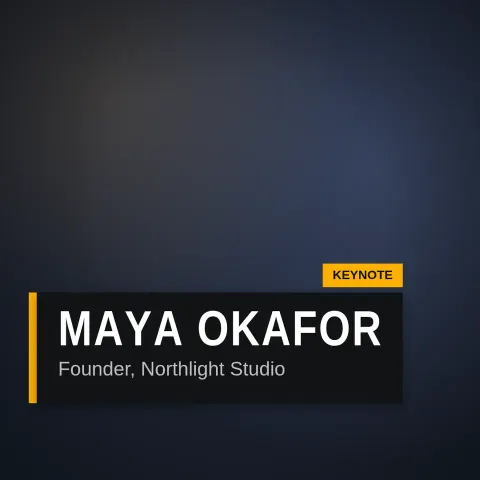
Text layer2D6 seconds
Text layer2DSeamless loop10 seconds