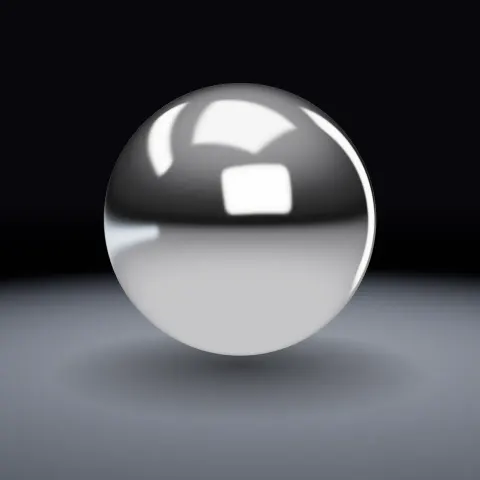
Chrome Material & Studio Light
Material3DSeamless loop8 seconds
A camera that glides around your subject with a gentle rise and fall. Loops perfectly.
Your current settings go with it. Combine several clips and hand them over together from your sequence.
Presets
How far the camera stays from the subject.
Steady loops seamlessly. Ease in & out starts and ends slowly (no seamless loop).
The preview runs the same code your AI receives. These settings travel with the hand-off.
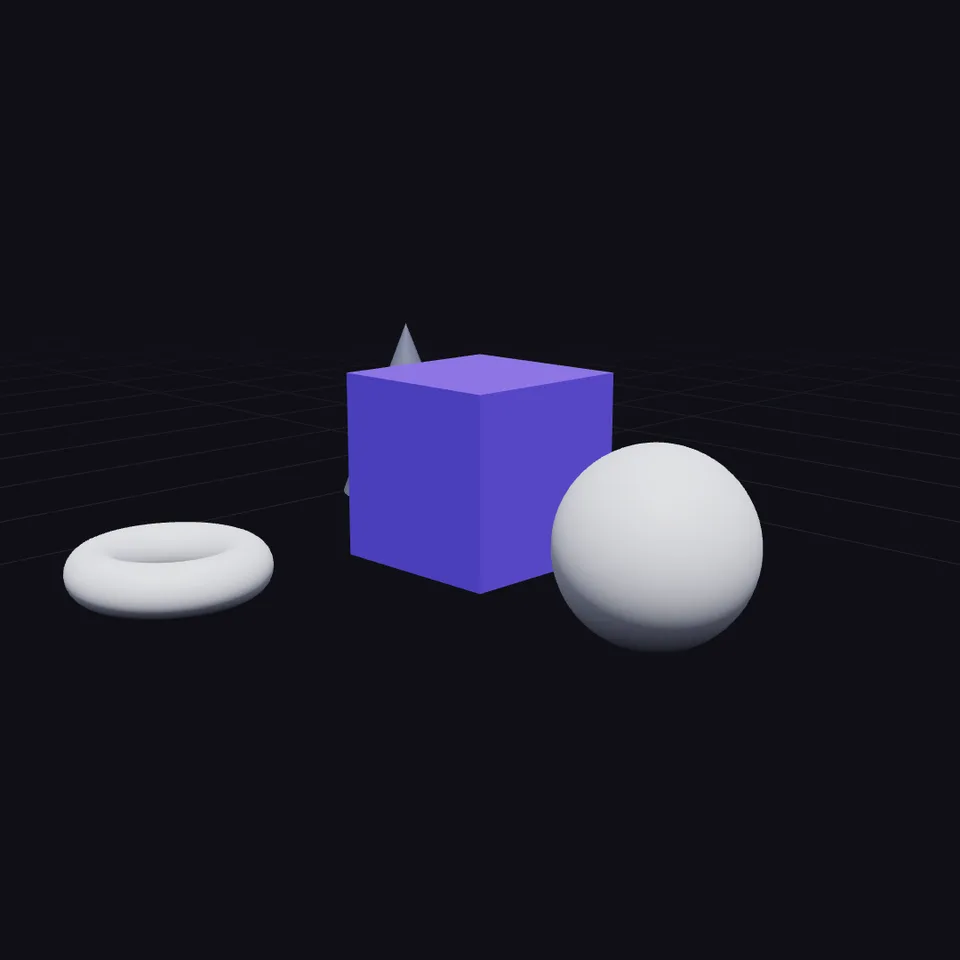
Circle any object with a calm, cinematic camera move. Set how far away it sits, how high, how many turns per clip and how much it gently bobs or breathes in and out. It is plain math (a position and a look-at point for each moment of the clip), so it works around any subject in any 3D scene.
src/orbit-camera.js is the ingredient your AI reuses. demo.js is only the example scene around it, and uses three only for the demo.
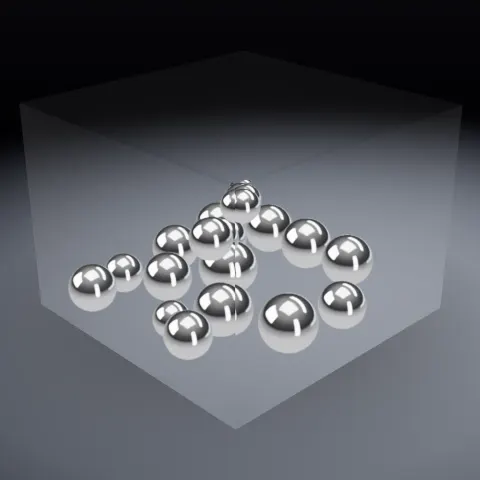
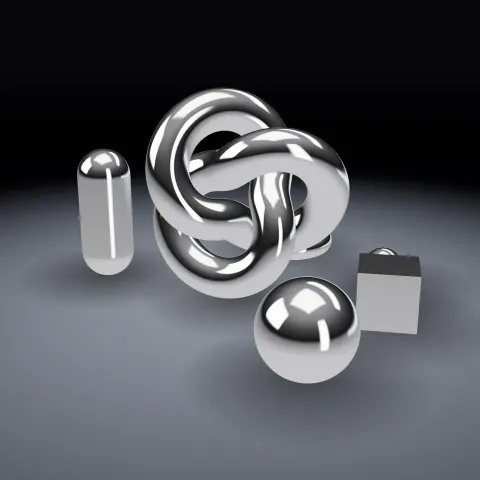
See it combined with other ingredients in Bouncing Marbles in a Box, Bouncing Marbles in a Box, Chrome Orbit, Chrome Orbit, Chrome Orbit.
src/orbit-camera.jsorbitCamera(progress, { target?, radius?, height?, turns?, startAngle?, heightWave?, heightWaves?, radiusWave?, radiusWaves?, targetLift?, easing? }) => { position, target, angle }applyOrbit(camera, state) => camerafitRadius(boundingRadius, fovDegrees?, margin?) => numberthree@0.185.1 (demo) — Demo scene only. src/orbit-camera.js has no dependencies.apw-runtime@1.0.0 (demo) — Demo harness.Coordinates: Y-up. Angle 0 is on the +Z side of the target, increasing towards +X. Units match your scene.
Lighting: None. Keep your scene's lights.
Timing: Driven by progress 0…1, so the same path stretches to any duration.
npm install
npm run render -- orbit-camera/1.0.0 --out my-video.mp4
Needs Node 18+, ffmpeg and Chrome/Chromium. Add --params my-settings.json (from Copy settings) for your own settings.sha256:e54405aabe47ddc8… · other versions: 1.1.0Material3DSeamless loop8 seconds
Motion3DSeamless loop8 seconds
3D object3DSeamless loop14 seconds

3D object3DSeamless loop12 seconds
3D object3DSeamless loop16 seconds
Full example3DReal physics8 seconds
Full example3DSeamless loop8 seconds

Material3DSeamless loop8 seconds