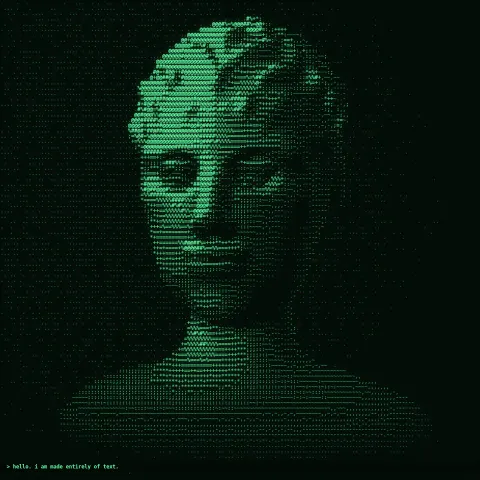
ASCII Portrait
NewEffect2D8 seconds
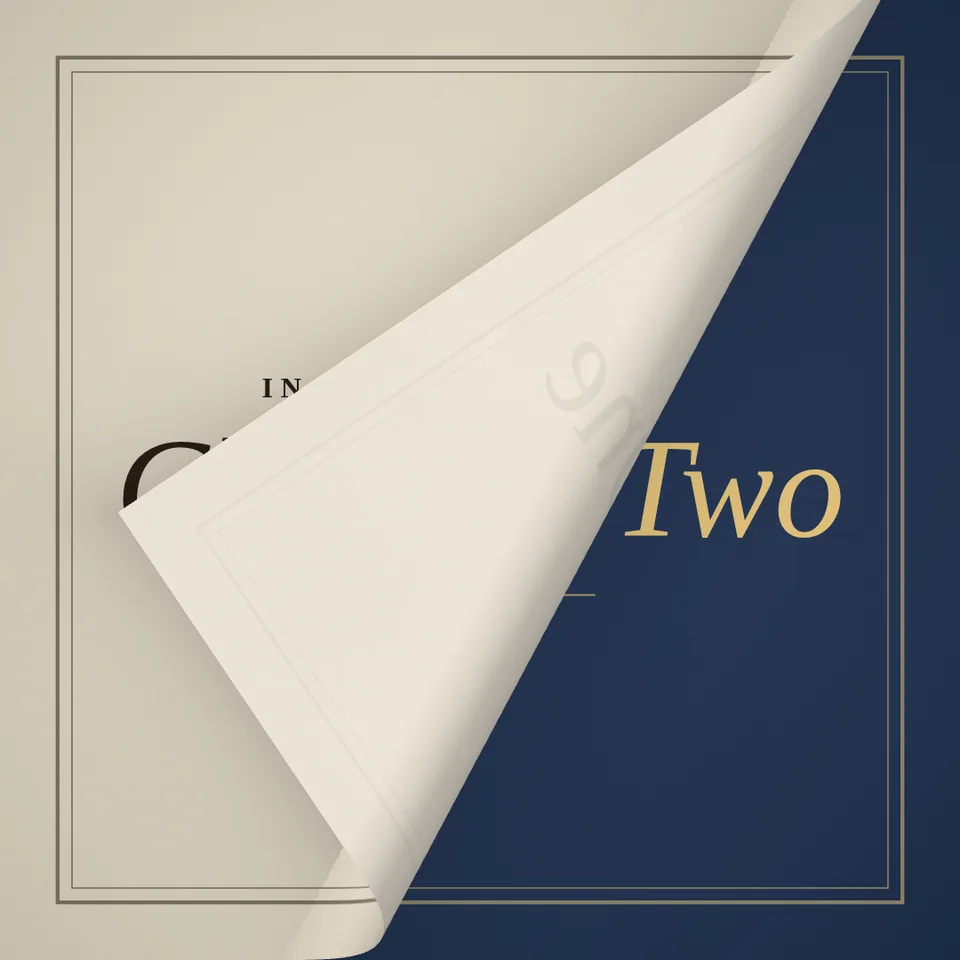
A page-curl transition: your first shot peels away like a page to reveal the next.
Your current settings go with it. Combine several clips and hand them over together from your sequence.
Presets
Degrees. 0 turns straight like a book page; higher peels from the corner.
The preview runs the same code your AI receives. These settings travel with the hand-off.
The frame you are leaving becomes a sheet of paper: it lifts from a corner, rolls over with a highlight along the bend and slides away, showing the next frame underneath. The back of the sheet is paper with the old picture faintly showing through, and soft shadows fall on both frames. Pick the corner it starts from, the angle of the fold (straight for a book page), how tight the curl is and the paper colour. The demo turns from one title card to another; in code it turns between any two pictures, videos or 3D scenes.
src/page-turn.js is the ingredient your AI reuses. demo.js is only the example scene around it, and uses the demo harness only for the demo.
src/page-turn.jscreatePageTurn({ from, to, aspect?, corner?, angle?, curl?, back?, showThrough?, shadow?, segments? }) => { group, setProgress(progress), setTextures(from, to), materials, dispose() }curlAt(progress, { aspect?, corner?, angle?, curl? }) => { origin, dir, radius }three@0.185.1 (source) — Renderer and shaders for the curling sheet.apw-runtime@1.0.0 (demo) — Demo harness.Coordinates: The page is 2 × aspect wide and 2 tall, centred at the origin and facing +z.
Lighting: Self-lit: the shader lights the bend itself; scene lights do not affect it.
Timing: setProgress(progress) is a pure function of progress; frames render in any order. Ease the progress yourself (the demo uses ease-in-out).
npm install
npm run render -- page-turn/1.0.0 --out my-video.mp4
Needs Node 18+, ffmpeg and Chrome/Chromium. Add --params my-settings.json (from Copy settings) for your own settings.sha256:b80beb034a7e8f78…NewEffect2D8 seconds
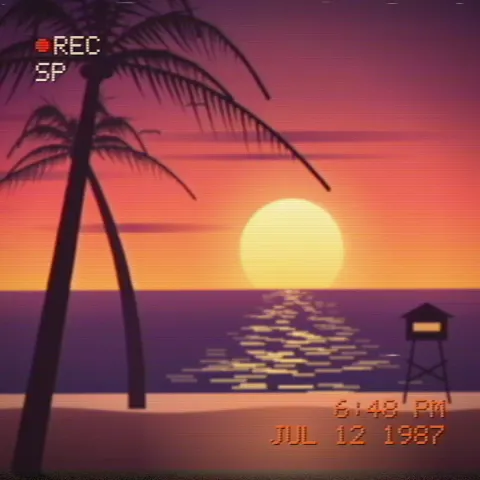
Effect2D8 seconds
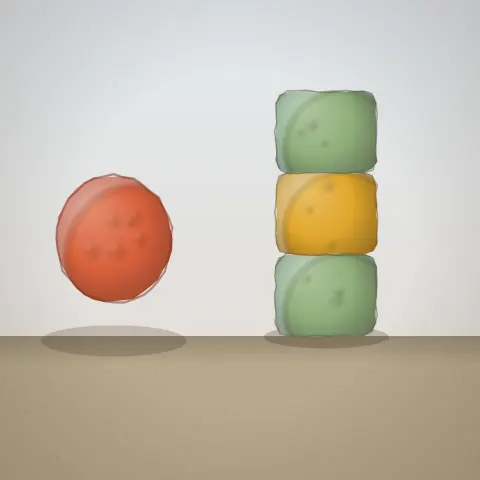
Motion2DSeamless loop8 seconds
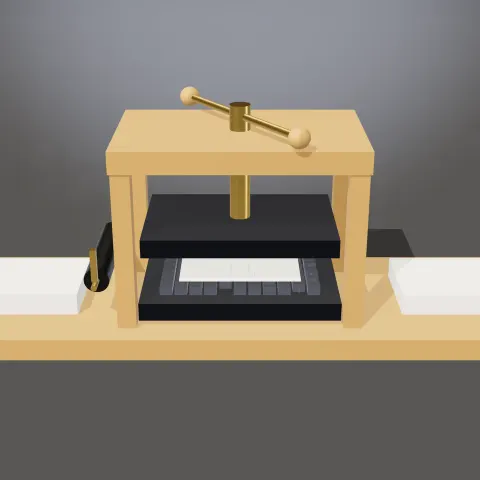
3D object3DSeamless loop12 seconds

Text layer3D9 seconds

Text layer3D6 seconds

Effect2DSeamless loop12 seconds
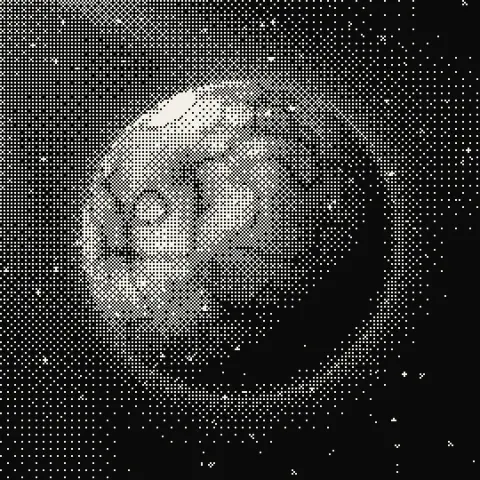
Effect2DSeamless loop8 seconds