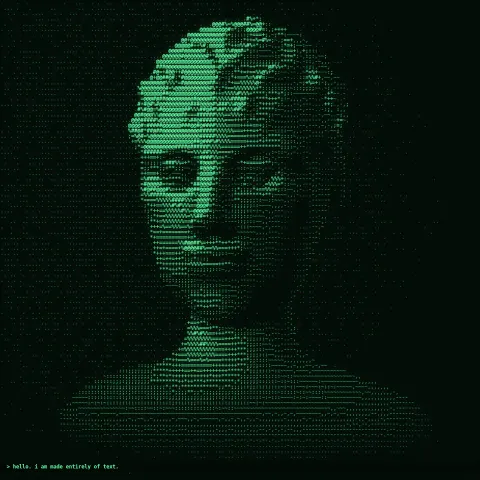
ASCII Portrait
NewEffect2D8 seconds
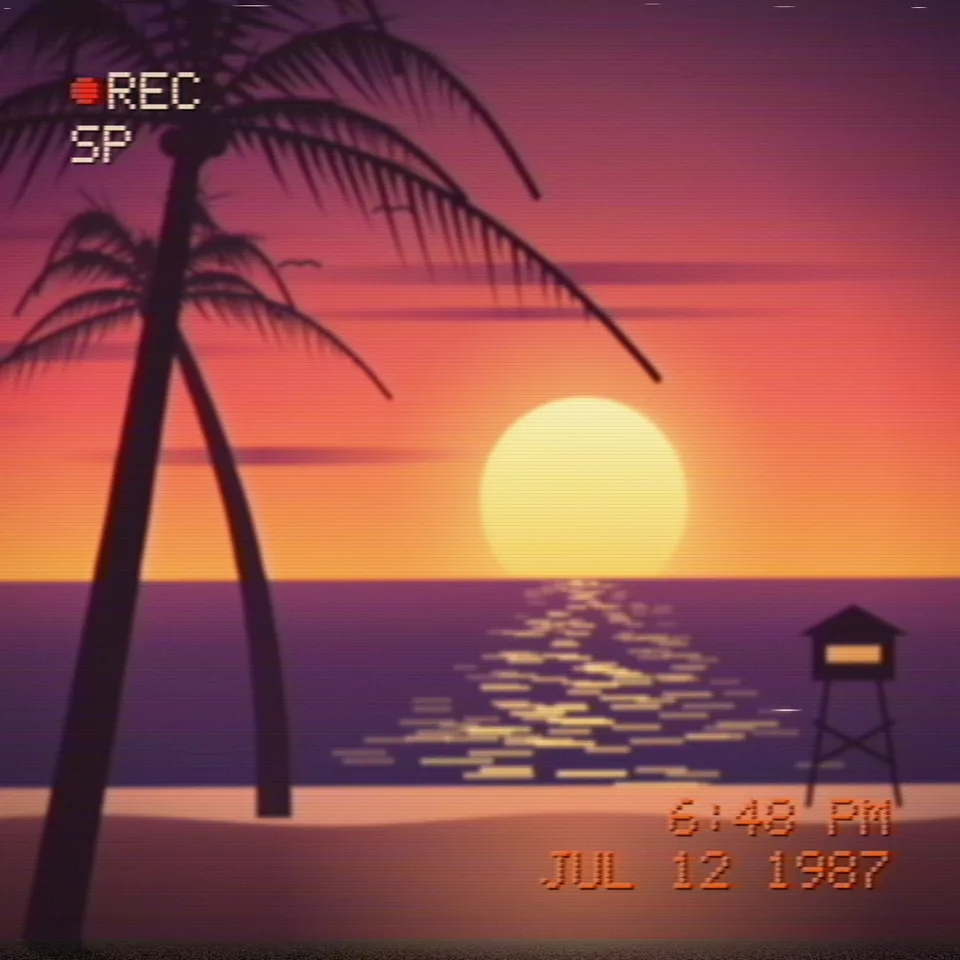
Makes any animation look like a 1980s camcorder tape: soft picture, bleeding colour, tracking noise, a shaky hand and the red-orange date stamp in the corner.
Your current settings go with it. Combine several clips and hand them over together from your sequence.
Presets
What the demo films. Your own project can put anything through the tape.
Shown bottom right in the camcorder font. Letters, numbers, spaces and : . - / ' ! work.
Shown above the date. Leave empty to hide it.
Wobble, rolling tracking noise and white dropouts. 0 is a fresh tape.
How far colour smears to the right of bright things.
How much fine detail the tape loses.
The noisy strip where the video heads switch.
How far the camera slowly zooms in over the clip.
The picture blurs and snaps back sharp once near the start.
Changes the shake, the noise and the details of the demo picture.
The preview runs the same code your AI receives. These settings travel with the hand-off.
The home-video look behind this autumn's 80s AI trend. Everything you draw is put through a simulated VHS tape: detail goes soft, colour smears to the right of bright things, highlights trail, lines wobble, a band of tracking noise rolls up the frame, white dropouts flick past and the bottom edge tears where the video heads switch. On top comes the camcorder's own display, burned into the picture: a blocky dot-matrix date and time, a blinking REC dot or PLAY and a tape counter. A helper adds the camcorder operator too: handheld drift, a slow zoom creep and the autofocus hunting once. Type your own date, pick the colour cast (warm tungsten, natural or faded old tape) and how worn the tape is. The demo films a spring-break sunset on the beach or a birthday cake with its candles lit; the same code degrades your own canvas, 3D scene or video frame.
src/vhs-camcorder.js is the ingredient your AI reuses. demo.js is only the example scene around it, and uses the demo harness only for the demo.
src/vhs-camcorder.jscreateVHS({ softness?, bleed?, sharpen?, smear?, noise?, wear?, headSwitch?, scanlines?, look?, seed? }) => { apply(ctx, width, height, info) }drawCamcorderOSD(ctx, width, height, info, { date?, clock?, mode?, blinkDate?, color?, scale?, counterStart? })camcorderMove(info, { shake?, zoomCreep?, focusHunt?, focusAt?, size?, seed? }) => { x, y, angle, zoom, focusBlur }drawDotText(ctx, text, x, y, { dot?, color?, shadow?, tracking? }) => widthapw-runtime@1.0.0 (demo) — Demo harness and seeded random numbers. src/vhs-camcorder.js has no dependencies.Coordinates: Pixels. Effect sizes are tuned at 1080 wide and scale with the canvas. The display sits 7.5% in from the edges.
Lighting: None of its own. The colour cast (warm, natural, faded) is applied after decoding the tape.
Timing: Pure function of info.frame and info.time: noise changes every frame, the tracking band drifts up, REC blinks once a second.
npm install
npm run render -- vhs-camcorder/1.0.0 --out my-video.mp4
Needs Node 18+, ffmpeg and Chrome/Chromium. Add --params my-settings.json (from Copy settings) for your own settings.sha256:b7f58d49eb84005a…NewEffect2D8 seconds
NewEffect3D10 seconds
Motion2DSeamless loop8 seconds
Effect3D4 seconds
Effect2DSeamless loop8 seconds
Text layer2DSeamless loop6 seconds

Background2DSeamless loop12 seconds
3D object3DSeamless loop12 seconds