Fibonacci Spiral Data
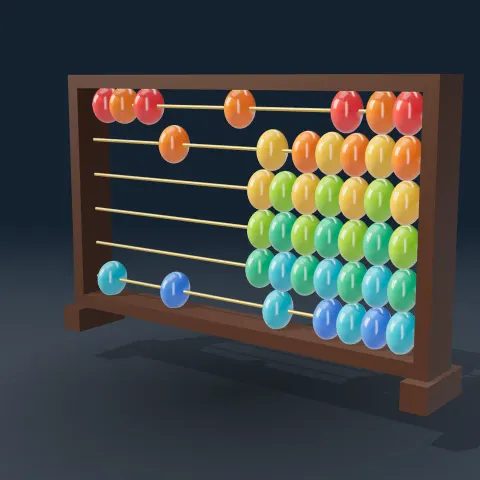
3D object3DSeamless loop16 seconds
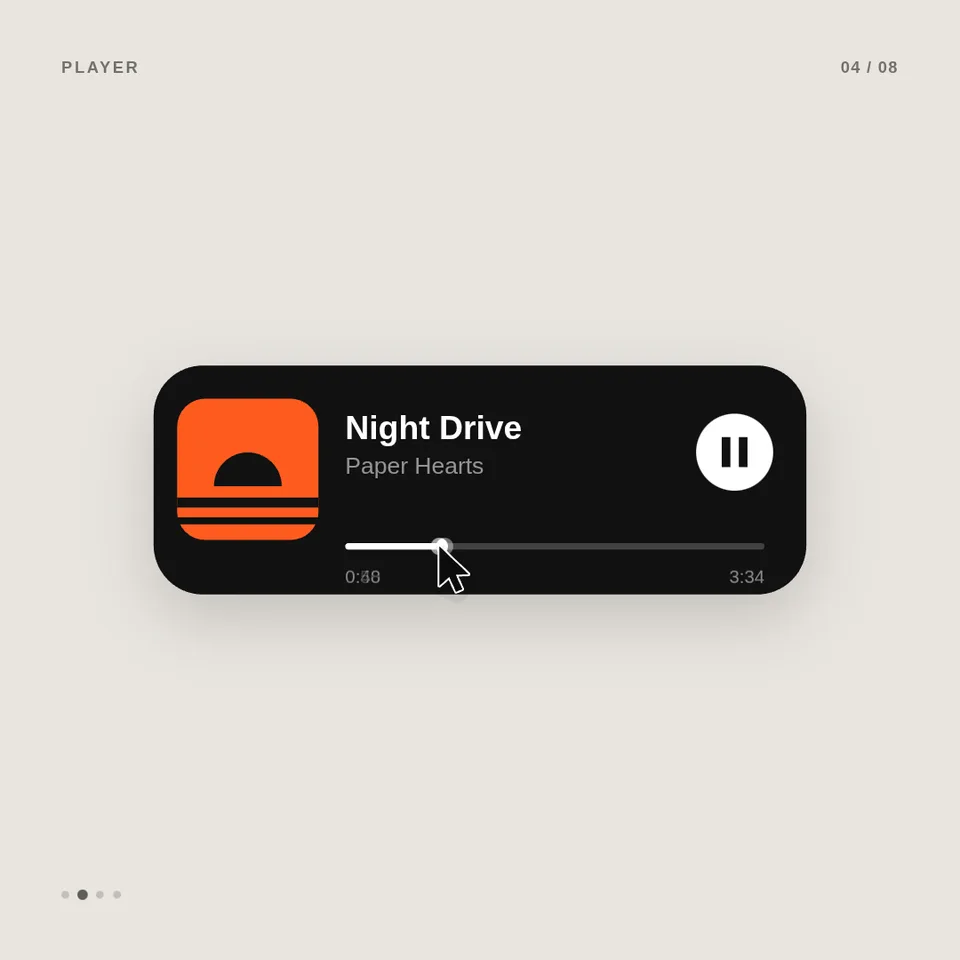
One rounded shape morphs from a button into a loader, a music player, a slider, a toggle, a chart and a search box, driven by a cursor, and loops back to the start.
In Text & data
Your current settings go with it. Combine several clips and hand them over together from your sequence.
Presets
Which UI states the shape morphs through, in order.
Buttons, player and slider.
Cards, knob and text on dark parts.
The one highlight: check, toggle on, chart line, album art.
0 settles with no bounce; 1 overshoots a little on every change.
Zoom so each state fills the frame.
Small state name, counter and beat dots in the corners.
Blends five sub-frames per frame. Turn off for faster previews.
The preview runs the same code your AI receives. These settings travel with the hand-off.
The Dribbble-style UI motion loop that took over X in late September 2026: a single element never cuts away. A cursor clicks the button, it shrinks into a spinner, turns into a check, grows into a music player whose play icon splits into pause, the progress bar is dragged and becomes a volume slider that stretches when pulled past the end, a toggle flips with a stretchy knob, the toggle opens into a chart that draws itself with a tooltip, and the chart collapses into a command palette where typing filters the list. The camera zooms so every state fills the frame and the last frame is the first. Pick the sequence of states, your four colours, the button and notification text, how springy it feels, and whether the cursor, labels and motion blur show.
src/ui-morph-loop.js is the ingredient your AI reuses. demo.js is only the example scene around it, and uses the demo harness only for the demo.
src/ui-morph-loop.jscreateUiMorphLoop({ sequence?, cycleSeconds?, label?, toastText?, canvas?, ink?, surface?, accent?, overshoot?, cameraFollow?, cursor?, labels?, background?, motionBlurSamples?, fontFamily? }) => { draw(ctx, time, width, height), drawFrame(ctx, info, width, height), cycleSeconds, beatSeconds, states }springStep(x, omega, zeta) => number{ tour, launch, music }apw-runtime@1.0.0 (demo) — Demo harness. src/ui-morph-loop.js has no dependencies.Coordinates: The shape is centred; layout is in units of 1/1000 of the short side, so any aspect ratio works.
Lighting: One soft drop shadow under the shape; flat UI colours.
Timing: Pure function of time; one loop lasts cycleSeconds and the states share it by beats (the full tour is 24 beats, 120 BPM at 12 seconds).
npm install
npm run render -- ui-morph-loop/1.0.0 --out my-video.mp4
Needs Node 18+, ffmpeg and Chrome/Chromium. Add --params my-settings.json (from Copy settings) for your own settings.sha256:afb0b63ca15ebd3c…3D object3DSeamless loop16 seconds
Text layer2D5 seconds
3D object3DSeamless loop20 seconds
Full example2D6 seconds
Full example2D5 seconds
Text layer2D4 seconds
NewEffect2D8 seconds
3D object3DSeamless loop12 seconds