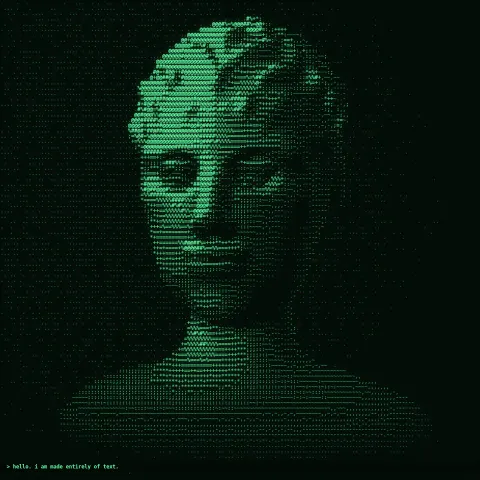
ASCII Portrait
Effect2D8 seconds
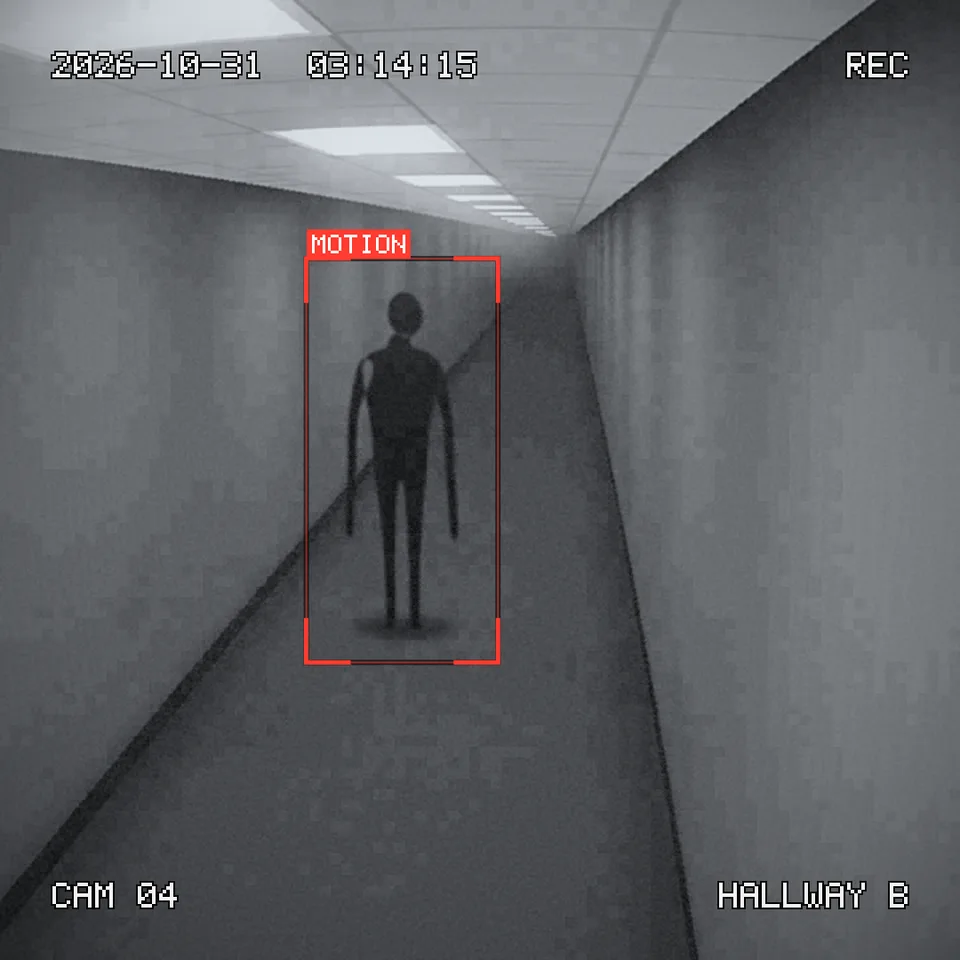
Makes any animation look like a security camera recording at night: wide-lens bulge, choppy frame rate, grain, blocky compression, a running timestamp, REC and a motion-detection box.
Your current settings go with it. Combine several clips and hand them over together from your sequence.
Presets
Which corridor the camera watches. Your own project can put anything through the camera.
The figure that appears after each power cut. Turn off for an empty corridor.
The recorder's box around the figure, blinking when it first appears.
Shown top left. Letters, numbers, spaces and : - / . work.
HH:MM:SS. The seconds tick on as the clip plays.
Shown bottom right. Leave empty to hide it.
Security recorders store few frames a second; lower is choppier.
Sensor grain. It climbs on its own when the picture goes dark.
How blotchy and blocky the shadows get.
How much fine detail the cheap camera loses.
Changes the grain, the stalled frames, the flicker of the faulty light and the corridor's details.
The preview runs the same code your AI receives. These settings travel with the hand-off.
The look behind the AI 'caught on camera' and found-footage horror clips that fill feeds every October. Whatever you draw goes through a cheap night-time security camera: the wide lens bulges the middle of the picture, the picture turns black-and-white infrared (or green night vision, or washed-out colour), fine detail goes soft but edges get the camera's over-sharpened halos, grain climbs as the auto-gain fights the dark, shadows break into blotchy compression blocks and lights bloom. The camera runs at a choppy 8–15 frames a second and now and then stalls on a frame. On top, the recorder's display stays crisp: date and a ticking clock, a blinking REC, the camera number and its name, and a motion box that blinks when something appears. The demo watches an empty corridor from a camera high in the corner at 3 a.m.; the lights cut out twice, and each time they come back a tall figure stands closer. Choose the place (Backrooms, office, hospital ward), the look, the date, time, camera name and how cheap the camera is.
src/cctv-night-cam.js is the ingredient your AI reuses. demo.js is only the example scene around it, and uses liminal-corridor, three only for the demo.
src/cctv-night-cam.jscreateCCTV({ look?, fisheye?, softness?, sharpen?, noise?, compression?, bloom?, autoGain?, vignette?, seed? }) => { apply(ctx, width, height, info), lensPoint(x, y, width, height) }cameraTime(info, { fps?, hiccups?, seed? }) => { ...info, time, frame, fps, sourceFrame }drawCCTVOverlay(ctx, width, height, info, { date?, clock?, camera?, label?, rec?, color?, recColor?, scale? })drawMotionBox(ctx, { x, y, w, h }, info, { label?, color?, blink?, scale? })drawPixelText(ctx, text, x, y, { cell?, color?, outline?, tracking?, align? }) => widthmeasurePixelText(text, cell, tracking?) => widthliminal-corridor@1.0.0 (demo) — The demo films this corridor from a fixed corner camera. src/cctv-night-cam.js has no dependencies and works on any 2D canvas.three@0.185.1 (demo) — Renders the demo's corridor.apw-runtime@1.0.0 (demo) — Demo harness.Coordinates: Pixels. Effect sizes are tuned at 1080 wide and scale with the canvas. The display sits 5.5% in from the edges.
Lighting: None of its own. Auto-gain brightens dark frames and their grain; bloom makes bright areas glow.
Timing: Pure function of the camera frame from cameraTime(): grain changes every camera frame and is held on a stalled one; the clock ticks with time; REC blinks once a second.
npm install
npm run render -- cctv-night-cam/1.0.0 --out my-video.mp4
Needs Node 18+, ffmpeg and Chrome/Chromium. Add --params my-settings.json (from Copy settings) for your own settings.sha256:d306e71094d774d7…Effect2D8 seconds
Text layer2DSeamless loop6 seconds
Effect2D8 seconds
Full example2D5 seconds

Full example2D6 seconds

Text layer2D4 seconds
Text layer2D5 seconds

Text layer2D8 seconds