
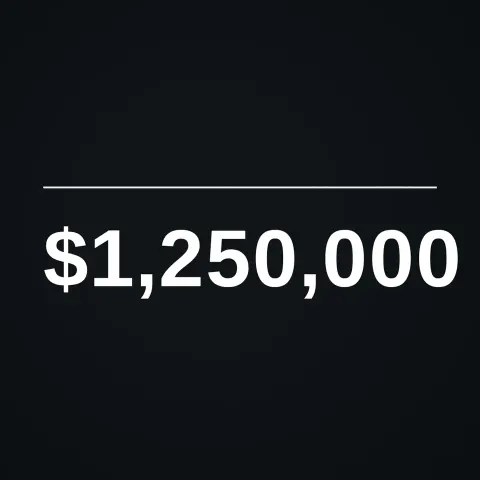
Rolling Number Counter
Text layer2D5 seconds
Bold letters spring up into place one by one, an underline draws itself and a subtitle fades in.
In Text & data
Your current settings go with it. Combine several clips and hand them over together from your sequence.
Presets
Seconds between letters.
The preview runs the same code your AI receives. These settings travel with the hand-off.
A clean, punchy title animation: each letter rises out of an invisible slot with a little springy overshoot, an accent line sweeps underneath, and an optional subtitle fades up. Type your own words, pick colours and how bouncy it feels. The text size adjusts itself to fit the frame.
src/kinetic-title.js is the ingredient your AI reuses. demo.js is only the example scene around it, and uses the demo harness only for the demo.
See it combined with other ingredients in Hypnotic Tunnel Title.
src/kinetic-title.jscreateKineticTitle({ text?, subtitle?, fontFamily?, weight?, color?, accent?, delay?, stagger?, letterDuration?, overshoot?, style?, exitAt?, maxWidth?, y?, align?, x?, tracking?, rule? }) => { draw(ctx, info, width, height), revealDuration }apw-runtime@1.0.0 (demo) — Demo harness. src/kinetic-title.js has no dependencies.Coordinates: Centred horizontally; y option is a fraction of height.
Lighting: None.
Timing: Pure function of time. revealDuration tells you when it has finished.
npm install
npm run render -- kinetic-title/1.1.0 --out my-video.mp4
Needs Node 18+, ffmpeg and Chrome/Chromium. Add --params my-settings.json (from Copy settings) for your own settings.sha256:37841e1dfea7d77a… · other versions: 1.0.0Text layer2D5 seconds

Text layer2D8 seconds
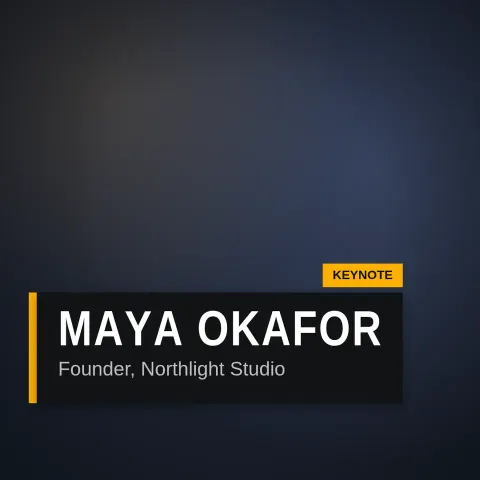
Text layer2D6 seconds

Text layer2D7 seconds
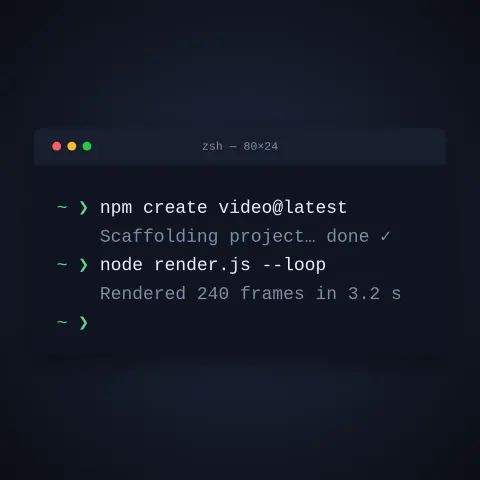
Text layer2D9 seconds
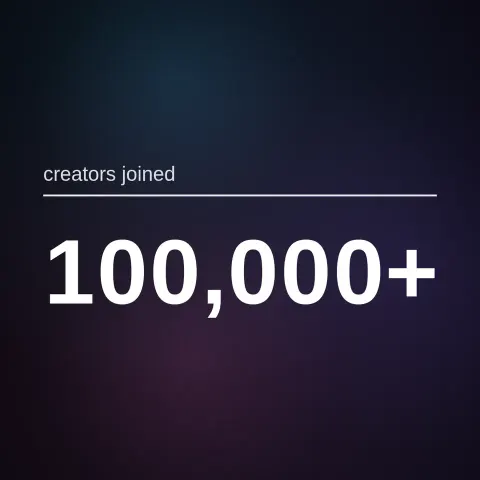
Full example2D5 seconds

Effect2D8 seconds

Text layer2DSeamless loop6 seconds